
스크린샷
설명
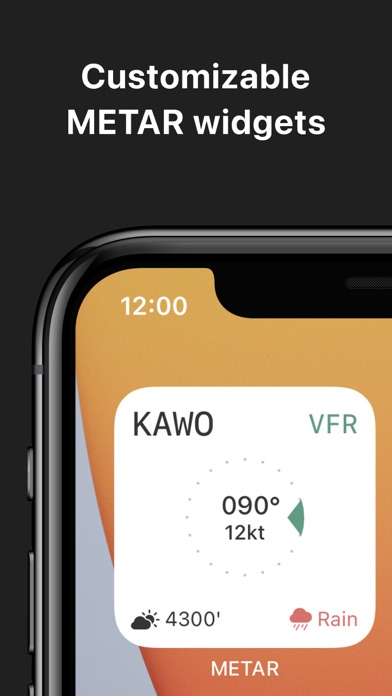
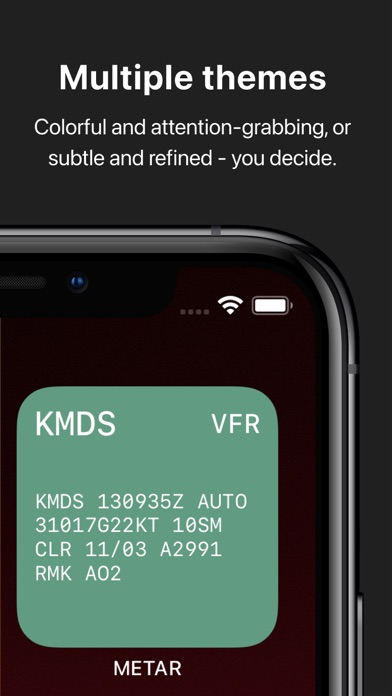
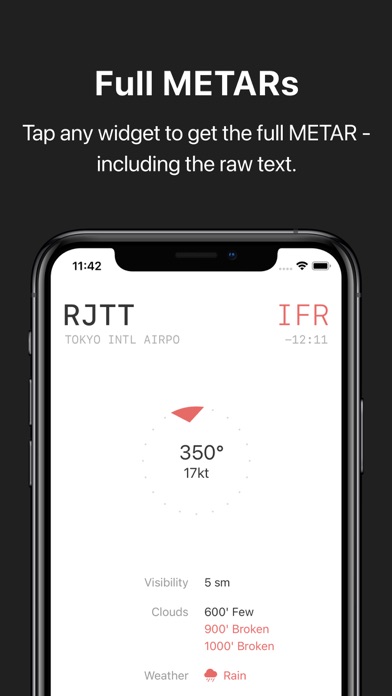
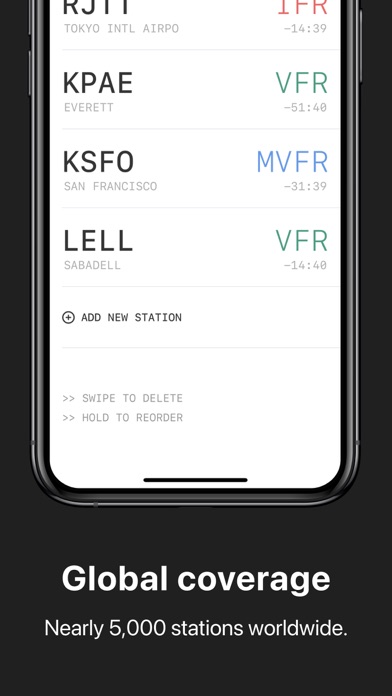
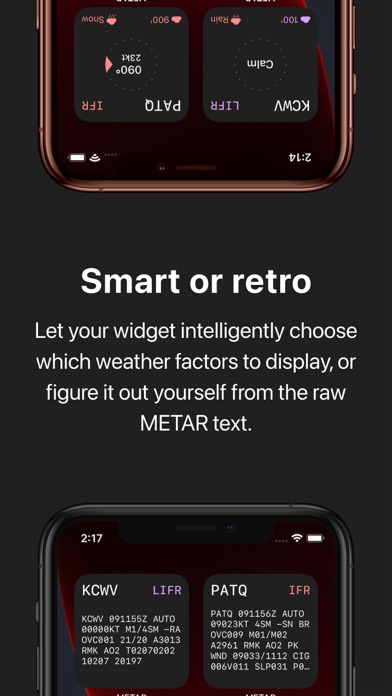
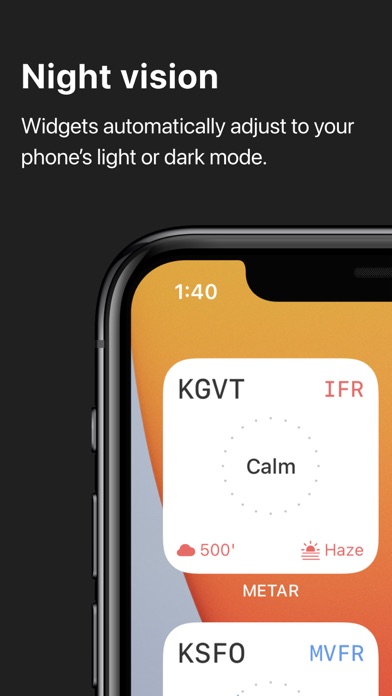
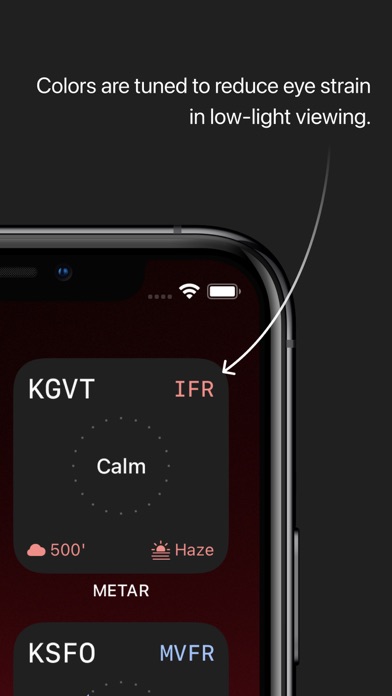
What better way to keep abreast of current conditions than with a beautiful METAR widget, right on your home screen? Although these widgets look simple, they’ve been carefully designed and built to give you the most important information at a glance, while meshing seamlessly with iOS17’s features and design language. Here are a few of the things that make these widgets special: THEMES Choose a subtle theme that looks right at home on your iPhone or iPad, or a more bold and colorful theme that catches your eye more effectively. SMART… Each widget can figure out what weather factors to display. Generally, special weather conditions (e.g. rain, show, haze, smoke, tornadoes) take precedence, followed by any conditions that caused the current flight condition, like low cloud bases or limited visibility. Wind is always visible. … OR NOT Alternatively, you can use the “Retro” theme to display raw METAR text and practice your interpretation skills (great for exam prep). Protip - put both widget types in a Stack (drag one on top of the other), so you can flip between them! REALTIME All METAR widgets update in realtime, in the background. You can force a refresh anytime by simply launching the app. DARK MODE Widgets seamlessly follow the system-wide light/dark mode setting, which means they’ll be easier on your eyes once the sun goes down. Also, all colors across the app and widgets have been tuned to reduce eye strain when viewing in low-light conditions. FULL METAR VIEW Tap on any widget to launch the app and view the full details. Here, you can also toggle between visual and text modes. SAVE YOUR FAVORITE STATIONS You can save and manage your favorite stations in the app, which makes it even faster to set up a new widget. Thanks for reading this far! I’m an experienced software developer and a new PPL, and I built this while learning to fly in a J-3 cub. All proceeds will go to tailwheel time, and any feedback/reviews are much appreciated!
새로운 소식
Fix SPECI METAR parsing
상세 정보
- 개발사
- Cornfield Creative, LLC
- 주 카테고리
- Weather
- 현재 버전
- 1.9
- 버전 출시일
- 2025-09-28
- 최초 출시일
- 2020-10-12
- 용량
- 2 MB
- 연령 등급
- 4+
- 가격
- USD 2.99
- 언어
- EN
- 번들 ID
- com.cornfieldcreative.Aerodrome
- 현재 버전 평점
- ★ 3.81 (48)
- 첫 수집
- 2026-05-28
메타데이터 갱신 2026-07-19
순위 히스토리
무료 기준 · 최대 90일 · 상위 5개 카테고리 표시 (Y축: 순위, 낮을수록 상위)
순위 히스토리 데이터가 없습니다
무료 순위
순위 없음
유료 순위
순위 없음
유저 리뷰
The app is absolutely not worth the 2 dollars that it costs. Even as a free app I wouldn’t use it. There’s cheaper and better options out there. The widgets don’t work at all and/or don’t update every hour
Great way to quickly get crucial weather info for flying. Very easy to use.
Great widget for pilots
Does not load data for a month now.
I really like the app. Any chance you could have a menu in setup to choose between C° or F°?
First couple widgets I made work great. I love them! I'm trying to add a third now and it won't let me select an airport. Tried restarting my phone and that didn't do it. Not sure what's going on but I can't find anywhere to submit feedback. Hopefully they figure it out soon but another review from a few couple ago mentioned the same thing.
very cool home screen widget. missing the lock screen. would be 5 stars otherwise
Have been using this app for years while in flight school. Switched flight schools and needed to change my primary METAR widget. Now when I go to press (Choose) on the “Airport” option it doesn’t allow me to select any airports. I could be doing something wrong but I’ve tried uninstalling and everything and it won’t work. When it did work it was an amazing tool.
Really cool little app. I would really like to be able to add the widget to the lock screen and or the at a glance screen not just my home screen.
Great app. Nice and clean interface but would love to see the possibility of D-ATIS integration
변동(신규 진입·급상승) 감지된 앱에 한해 Apple RSS 최신 리뷰를 수집합니다.