

스크린샷

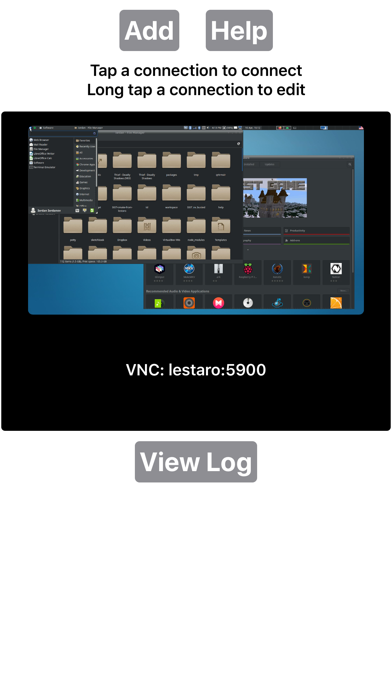
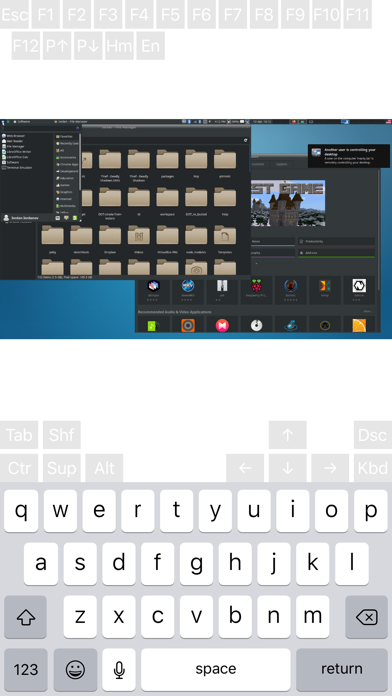
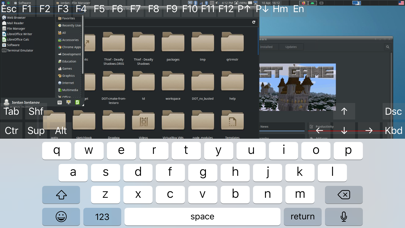
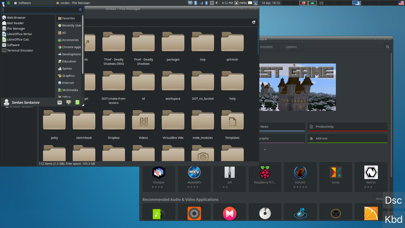
설명
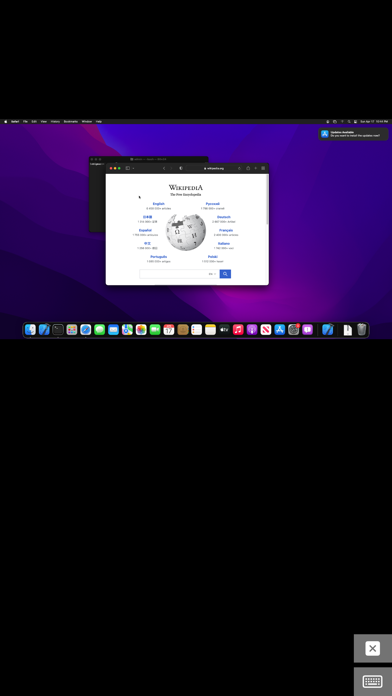
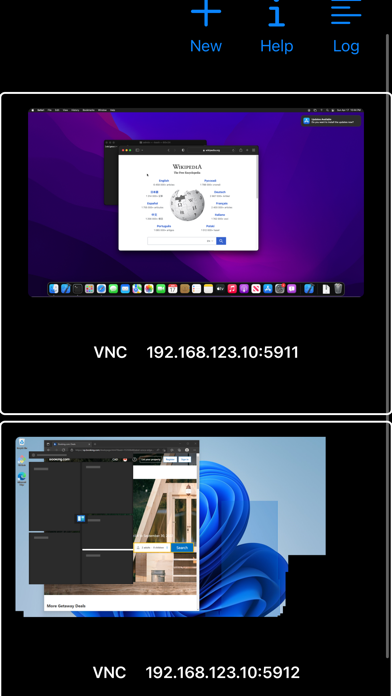
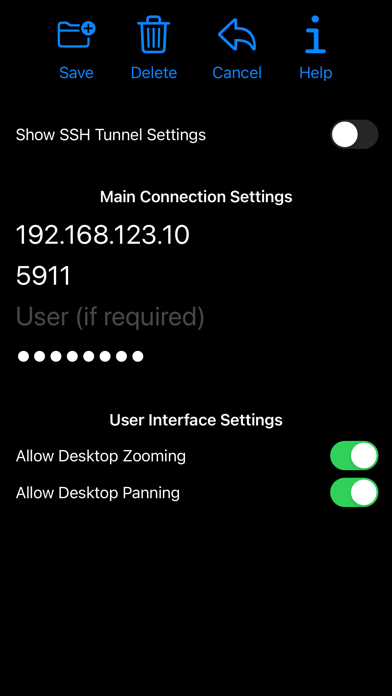
Thank you for supporting my work and GPL open-source software by buying bVNC Pro! If you are unhappy, please don't give us a bad review, instead, request a refund and get in touch by email support _at_ morpheusly _dot_ com: https://support.apple.com/en-ca/118223 Need an RDP app to control Windows, Ubuntu 22.04+ or XRDP remotely? https://apps.apple.com/app/ardp-pro/id1620745523 Need a SPICE or Proxmox or oVirt client for controlling virtual machines remotely? https://apps.apple.com/app/aspice-pro/id1560593107 If bVNC doesn't work for you or you're unhappy, please do not ask for help in a review but do post your question in the forum: https://groups.google.com/forum/#!forum/bvnc-ardp-aspice-opaque-remote-desktop-clients If you have a feature request, or you found a bug, please open an issue at: https://github.com/iiordanov/remote-desktop-clients/issues - Instructions for Mac OS X: Plain VNC (Remote Desktop for Mac OS X): http://iiordanov.blogspot.ca/2012/04/how-to-connect-to-mac-os-x-using-bvnc.html Secure VNC over SSH: http://iiordanov.blogspot.ca/2012/04/tunneling-vnc-over-ssh-to-mac-os-x.html - Instructions for Windows: Plain VNC: http://iiordanov.blogspot.ca/2012/04/how-to-install-and-connect-to-tightvnc.html Secure VNC over VeNCrypt: https://groups.google.com/d/msg/bvnc-ardp-aspice-opaque-remote-desktop-clients/lINJkYJbN-U/3Q3oHWjjDQAJ Secure VNC over SSH: http://iiordanov.blogspot.ca/2012/04/tunneling-vnc-over-ssh-to-windows.html - Instructions for Ubuntu 20.04 and earlier Linux Plain VNC not tunneled over SSH: https://help.ubuntu.com/stable/ubuntu-help/sharing-desktop.html.en http://www.howtoforge.com/configure-remote-access-to-your-ubuntu-desktop If your business is looking for fixes and features, please get in touch by email at support _at_ morpheusly.com bVNC is a secure, open source VNC client. Its features include: - Controls Windows, Mac, Linux, BSD with VNC server installed - PiKVM compatible - External keyboard support - External mouse support - Magic Trackpad support - Multi-language support - Supports Mac OS X built-in remote desktop server (ARD) and Mac OS X authentication! - Windows, Mac, Linux, BSD, or any other OS with a VNC server installed - Multi-touch control over the remote mouse. One finger tap left-clicks, two-finger tap right-clicks, and three-finger tap middle-clicks - Right and middle-drag and drop if you don't lift the first finger that tapped - Scrolling with a two-finger gesture - Pinch-zoom - Dynamic resolution changes, allowing you to reconfigure your desktop while connected, and control over virtual machines from BIOS to OS - All device orientations - Full desktop visibility even with soft keyboard extended - SSH tunneling, AnonTLS and VeNCrypt for secure connections (does not support RealVNC encryption). - High-grade encryption superior to RDP using SSH and VeNCrypt (x509 certificates and SSL), preventing man-in-the-middle attacks - Tight and CopyRect encodings for quick updates - SSH public/private (pubkey)- Supports most VNC servers including TightVNC, UltraVNC, TigerVNC, (and RealVNC Enterprise only, when configured appropriately) - Clipboard integration for copy/pasting from your device Some of the planned features to look forward to: - AutoX session discovery/creation similar to NX client - Ability to reduce the color depth over slow links - Importing encrypted/unencrypted RSA keys in PEM format - View-only mode - On-device help on available input modes in the Menu when connected GPL source code here: https://gitlab.com/iiordanov/remote-desktop-clients-ios
새로운 소식
61 - Simulated Touchpad pointer doesn't pan unnecessarily - Pinch Zoom zooms out to original fit-to-screen scaling 60 - Layout improvements for smallest screens - Fix for screenshots - Re-added keyboard icon to Extended Keyboard Accessory view - Improvements to external keyboard detection - Import/Export Settings - Auto-adjustable connection grid - Sorting connections - Menu to organize functionality on the main page - Pinch-zoom follows fingers 59 - Support showing title bar - Keyboard layout improvements - Physical keyboard handling improvements 58 - New Extended Keyboard Accessory replacing the on-screen keys - New Translations - Hardware Keyboard support improvements 57 - Input validation on address and ports - Bugfix for saving new connections when navigating away to Help screen - Menu item improvements - Support quitting app with Cmd-Q when not connected 56 - Bugfixes 54 - Fix for Option to send Meta instead of Alt key when connected to MacOS
상세 정보
- 개발사
- iordan iordanov
- 주 카테고리
- Productivity
- 현재 버전
- 61
- 버전 출시일
- 2026-04-13
- 최초 출시일
- 2020-04-11
- 용량
- 8 MB
- 연령 등급
- 4+
- 가격
- USD 9.99
- 언어
- EN, JA, KO, ZH, ZH
- 번들 ID
- com.iiordanov.bVNC
- 현재 버전 평점
- ★ 4.00 (4)
- 첫 수집
- 2026-06-01
메타데이터 갱신 2026-07-04
순위 히스토리
무료 기준 · 최대 90일 · 상위 5개 카테고리 표시 (Y축: 순위, 낮을수록 상위)
순위 히스토리 데이터가 없습니다
무료 순위
순위 없음
유료 순위
순위 없음
이 개발사의 다른 앱


유저 리뷰
Screen layout is as if the app was programmed by someone who was trying to write their first app. The free version on the Android phone ‘bVNC’ works perfectly with ultraVNC. This iPhone version is useless. Requesting a refund.
I had to emulate an android device on my Mac so I could try the free version. Very frustrating. There should be a trial/free version so I know that the connection type for PiKVM is supported. Now on Mac, the connection constantly fails. Yikes...
The app works well, but beware that the app doesn't like RSA SSH keys much. Better to use ed25519 or ecdsa keys. They're more secure anyways.
Apple M1 Sonoma 14.2.1 laptop. Won't even start, core dumps immediately. Report sent to Apple. Hate spending money on an app that doesn't work even if its only $8. -Greg
There is no password prompt, you are forced to trust and store passwords with this app.
This might be the only VNC client on iOS that works more or less flawlessly for connecting to piKVM devices.
변동(신규 진입·급상승) 감지된 앱에 한해 Apple RSS 최신 리뷰를 수집합니다.