

스크린샷


설명
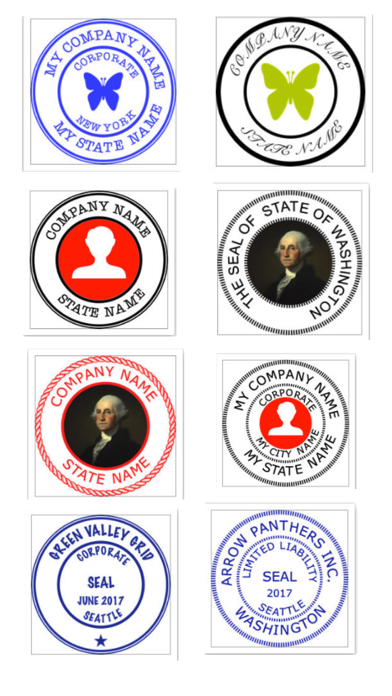
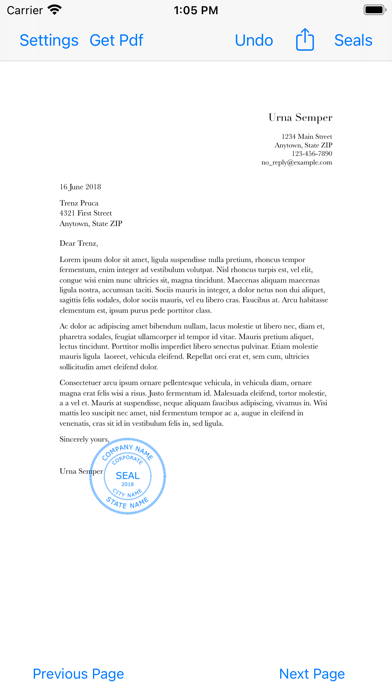
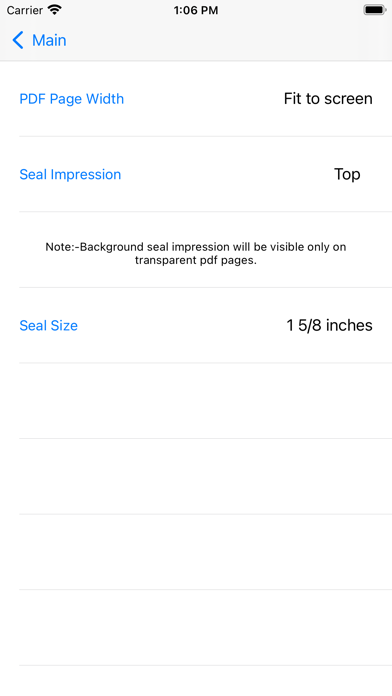
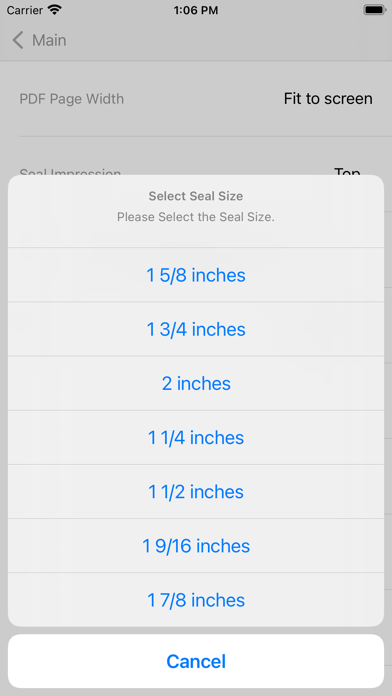
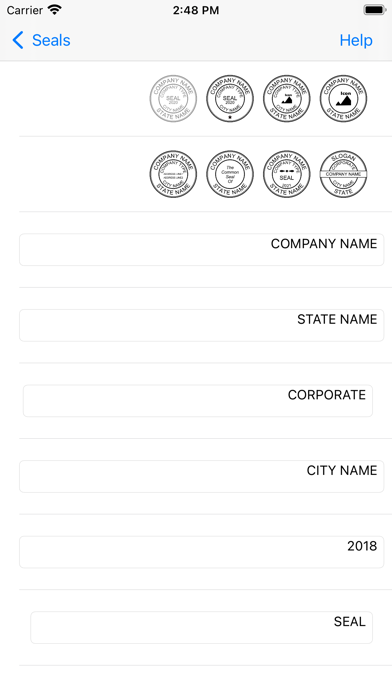
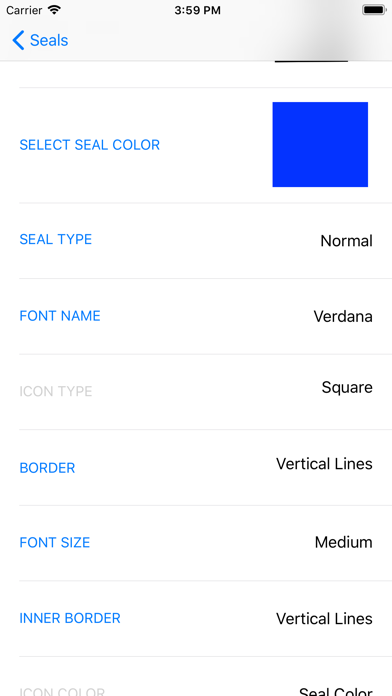
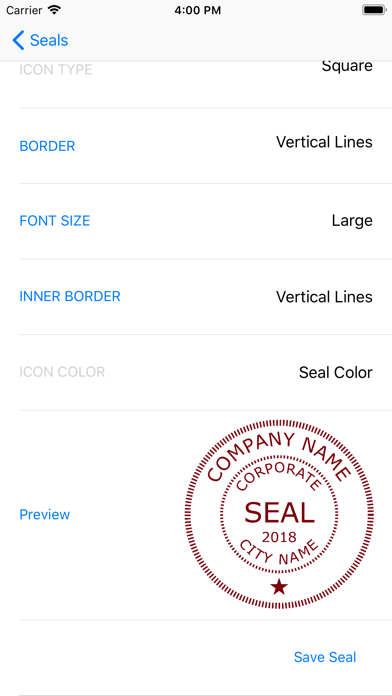
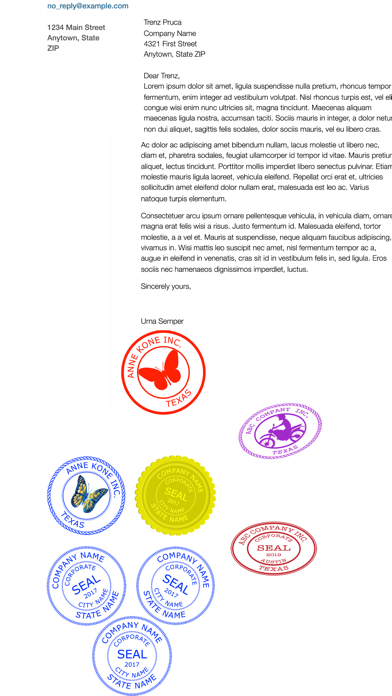
This app creates digital Company Seals. The user can stamp the company seal on pdf and save it. The user can export the company seal as a png image(1024 pt x 1024 pt) for other uses. Create A New Seal:- Hit + Button and 1)Select a seal Template, 2)Edit Text, 3)Leave blank for no text, 4)Select icon image if required by the template, 5)Select Other Properties of the seal 6)Preview and 7)Save the seal. Note:- Company Icon Images needs to be 1024 pt x 1024 pt image with/without transparent background.Lower resolution icons may give poor quality seal images.Icon Image can be imported from iCloud Drive or “On My iPhone/iPad”, locations. Eight seal templates are provided. The following can be chosen by the user:- 1)Seal colour 2)Seal Type 3)Border Type 4)Inner Border Type 5)Font Size 6)Font Name 7)Icon type(Round or Square) 8)Icon colour (seal colour mask or original). 9) Rotation 0-30 deg left/right. 10)Yin or Yang Seal(for normal type seals). Yang seal - Transparent background with Letters in Seal colour. Yin Seal - Background in seal colour and Letters are transparent. Select an Available Seal for stamping:- 1)Select a seal 2)Hit Pick seal Export an Available Seal:- 1)Select a seal 2)Hit Export Seal 3)Save the seal image to your location Delete an Available Seal:- 1)Select a seal 2)Hit Delete Seal Stamping On Pdf:- Hit Import Pdf & Choose a Pdf Document. 1)Go to the page where you want to stamp. 2)Move to the required location on the page. 3)Tap to stamp. Reset Selected page:- 1)Select the page 2) Hit Undo Original pdf documents are not changed. But,Seal impressions are permanent on saved Pdf Documents.Seal impressions are not pdf annotations. Company Seals has the following Sizes:- 1 1/4 inches, 1 1/2 inches, 1 3/4 inches, 1 9/16 inches, 1 5/8 inches, 1 3/4 inches, 1 7/8 inches, 2 inches Other seal images can be imported to this app. You need to import a 1024 pt x 1024 pt png/tiff image.The seal image background needs to be transparent. Note:- Avoid very Dark Colours for Emboss or Wax Seal types. www.appskou.com for support
새로운 소식
Updated for iOS 15.6 and above
상세 정보
- 개발사
- Kandasamy Kaleeswaran
- 주 카테고리
- Business
- 현재 버전
- 4.5
- 버전 출시일
- 2024-11-11
- 최초 출시일
- 2018-07-25
- 용량
- 5 MB
- 연령 등급
- 4+
- 가격
- USD 24.99
- 언어
- EN
- 번들 ID
- com.kalees36.csealsuniversal
- 현재 버전 평점
- ★ 5.00 (1)
- 첫 수집
- 2026-07-03
메타데이터 갱신 2026-07-03
순위 히스토리
무료 기준 · 최대 90일 · 상위 5개 카테고리 표시 (Y축: 순위, 낮을수록 상위)
순위 히스토리 데이터가 없습니다
무료 순위
순위 없음
유료 순위
경쟁 벤치마크 — Business Top 10
이 앱을 이기려면 무엇이 필요한가 — 같은 카테고리 상위권과의 비교입니다. 주황색 행이 현재 앱입니다.
| # | 앱 | 가격 | 평점 | 리뷰 수 | 언어 | 최근 업데이트 |
|---|---|---|---|---|---|---|
| 1 | HotSchedules | USD 2.99 | ★ 4.60 | 67,214 | 3 | 2026-06-22 |
| 2 | ecMobile | USD 9.99 | ★ 2.11 | 211 | 0 | 2026-05-19 |
| 3 | Jump Desktop (RDP, VNC, Fluid) | USD 14.99 | ★ 4.50 | 1,648 | 9 | 2023-10-30 |
| 4 | TurboScan™ Pro: PDF scanner | USD 9.99 | ★ 4.92 | 294,571 | 10 | 2026-04-14 |
| 5 | Voice Recorder - Audio Record | USD 5.99 | ★ 4.71 | 16,757 | 10 | 2026-04-24 |
| 6 | Balloon Brain | USD 5.99 | ★ 0.00 | 0 | 1 | 2026-06-20 |
| 7 | Superpowers by SYPartners | USD 3.99 | ★ 4.53 | 34 | 1 | 2026-03-11 |
| 8 | TapeACall Pro: Call Recorder | USD 10.99 | ★ 4.52 | 18,457 | 24 | 2025-02-13 |
| 9 | Cold Call X | USD 12.99 | ★ 4.91 | 34 | 1 | 2026-06-11 |
| 10 | FileBrowser Professional | USD 14.99 | ★ 4.68 | 1,494 | 9 | 2026-06-29 |
| 40 | Company Seals | USD 24.99 | ★ 5.00 | 1 | 1 | 2024-11-11 |