

스크린샷
설명
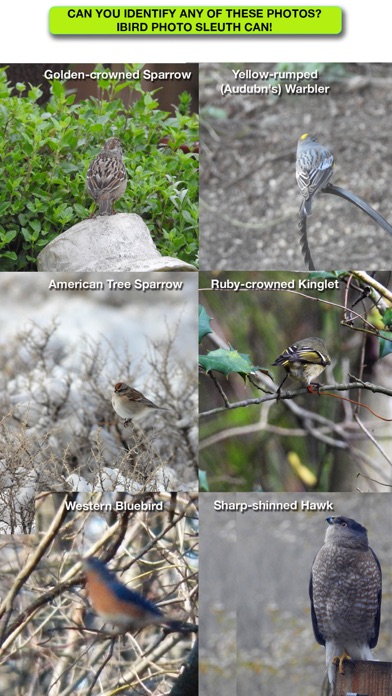
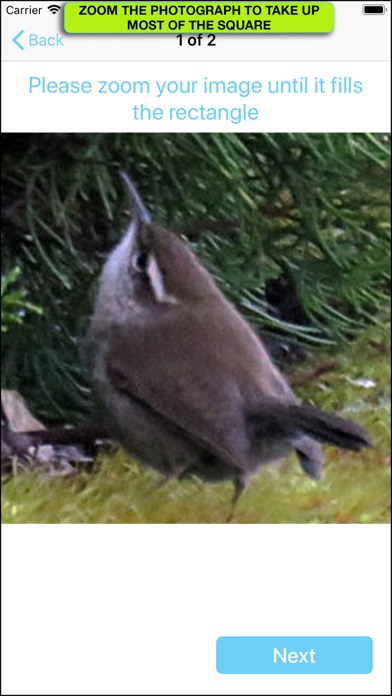
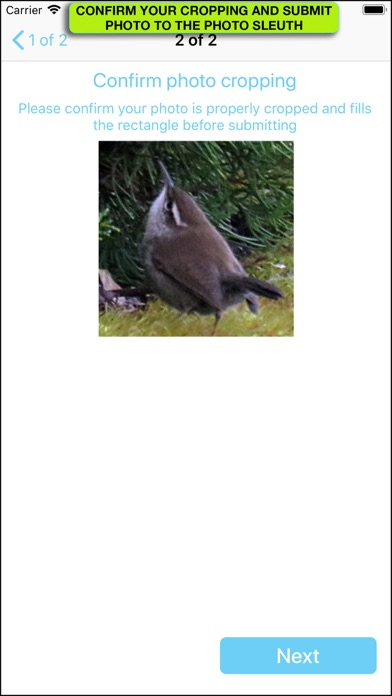
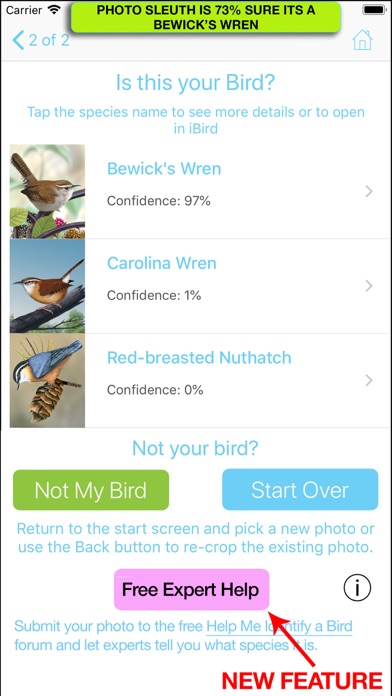
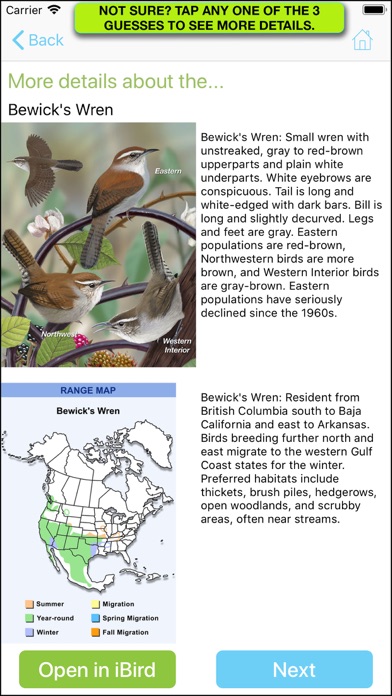
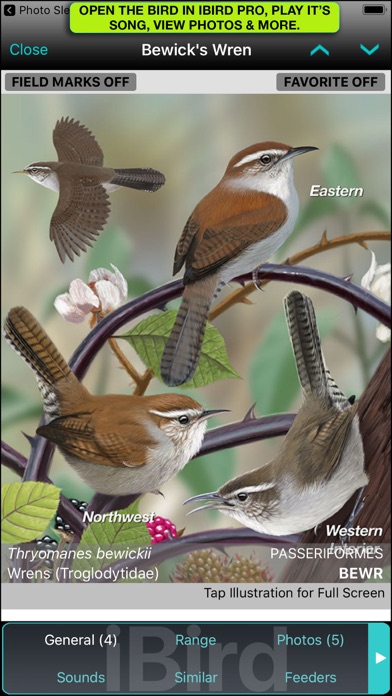
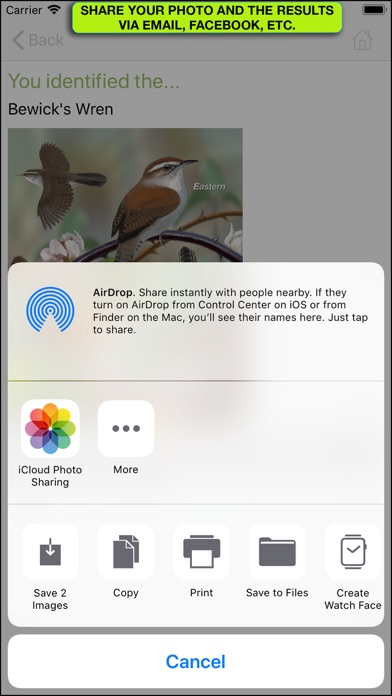
This new update to iBird Photo Sleuth now includes access to our ornithology experts who will help identify your bird if you want more help. The “Help Me Identify a Bird” forum has been around for 10 years and has over 100,000 members. Every now and then an app breaks out from the pack with features that are simply astonishing. iBird Photo Sleuth fits that mold; use its machine learning "brain" to identify a photograph of any bird of North America, regardless of the photo’s quality. Photo Sleuth uses Apple’s new CoreML machine learning system to figure out the species in even the most distorted, fuzzy and poor contrast photograph. The Photo Sleuth app has been “trained” by over 2 million photos of bird species to ID birds with uncanny accuracy. You can use iBird Photo Sleuth in the field -- no internet connection is required, because its CoreML database is contained in the app. Take a photo with your camera or select it from the built-in iPhone Photos gallery (Dropbox, Google Photos and OneDrive coming). Don’t worry if the bird is a tiny blob in the frame; Photo Sleuth is smart enough to find the features that distinguish it from all other 900+ bird species of North America. After you submit your photo to the Sleuth, it will give you a list of its top 3 guesses as thumbnail sized images. Each will display a “Confidence” value between 0% and 100%. When the Sleuth is really sure of its analysis, it will produce a high value; when unsure it will display a low value. If the app thinks that you have submitted a photo of something other than a bird, it will display “Not a Bird.” Of course, some people’s faces look like birds, so it may still suggest a bird species. For example, my selfie came up with “Not a Bird” for the #1 spot and the Barn Owl for #2. To help confirm the 3 guesses made by Photo Sleuth, you can tap on any of the thumbnail images to open more species details, including an enlarged illustration, text that explains important field marks and a range map that shows the migration coverage of the bird. The range map includes a range and habitat paragraph that helps confirm that the species is indeed located in your GPS area. A future update will add our “Birds Around Me” technology to further narrow the choices that Photo Sleuth guesses. On this same screen you may open a rich content species account in our iBird app (should you have it on your phone) to review much more information, including playing the bird’s songs and calls, seeing similar birds, behavior details and much more. Sharing of your results can be done two ways: you can share your photo and the Photo Sleuth guesses with your friends via Apple Messages, Email, Facebook, Twitter and all other functions such as printing, which appear on the standard Apple activity menu. There is also a button for optionally sharing your photo and the results of the Photo Sleuth guess with Mitch Waite Group, so that we can improve our neural network. Both correct and incorrect guesses help us improve the performance of artificial intelligence. Or course, we only use the photograph for training, and the copyright remains with you.
새로운 소식
- Fixed connection between Sleuth and iBird
상세 정보
- 개발사
- Mitch Waite Group
- 주 카테고리
- Reference
- 현재 버전
- 1.13
- 버전 출시일
- 2025-07-10
- 최초 출시일
- 2018-05-11
- 용량
- 463 MB
- 연령 등급
- 4+
- 가격
- USD 4.99
- 언어
- EN
- 번들 ID
- MitchWaite.iBird-Photo-Sleuth
- 현재 버전 평점
- ★ 4.72 (787)
- 첫 수집
- 2026-05-28
메타데이터 갱신 2026-07-19
순위 히스토리
무료 기준 · 최대 90일 · 상위 5개 카테고리 표시 (Y축: 순위, 낮을수록 상위)
순위 히스토리 데이터가 없습니다
무료 순위
순위 없음
유료 순위
경쟁 벤치마크 — Reference Top 10
이 앱을 이기려면 무엇이 필요한가 — 같은 카테고리 상위권과의 비교입니다. 주황색 행이 현재 앱입니다.
| # | 앱 | 가격 | 평점 | 리뷰 수 | 언어 | 최근 업데이트 |
|---|---|---|---|---|---|---|
| 1 | Knots 3D | USD 5.99 | ★ 4.90 | 12,350 | 25 | 2026-06-21 |
| 2 | CCW – Concealed Carry 50 State | USD 1.99 | ★ 4.85 | 10,282 | 1 | 2025-08-09 |
| 3 | e-Sword LT: Bible Study to Go | USD 3.99 | ★ 4.84 | 7,035 | 4 | 2025-07-25 |
| 4 | Knot IQ - The Bear Essentials | USD 4.99 | ★ 4.78 | 237 | 1 | 2026-07-17 |
| 5 | FAR/AIM | USD 19.95 | ★ 3.35 | 248 | 1 | 2025-10-28 |
| 6 | SkySafari | USD 6.99 | ★ 4.72 | 17,779 | 14 | 2026-03-27 |
| 7 | Animated Knots by Grog | USD 4.99 | ★ 4.81 | 332 | 1 | 2019-11-14 |
| 8 | Daily Readings | USD 0.99 | ★ 4.16 | 137 | 1 | 2019-03-10 |
| 9 | Sibley Birds 2nd Edition | USD 19.99 | ★ 4.88 | 2,796 | 1 | 2025-03-26 |
| 10 | KRSUOR | USD 4.99 | ★ 5.00 | 54 | 1 | 2026-07-14 |
| 89 | iBird Photo Sleuth | USD 4.99 | ★ 4.72 | 787 | 1 | 2025-07-10 |
이 개발사의 다른 앱


유저 리뷰
I’ve had a problem with the “fly catcher” bird. I swear today that plasma screen’s are made with fly blood.
Nearly always nails the result but if in error points toward the actual result even with my poor photography.
We are not bird listers. We love birds, life stats etc. iBird has been a great aid to us and an easy introduction for friends and family. We highly recommend iBird after novices purchase their first bird identification book.
I’m an avid birder in South Texas. A few years ago I purchased the iBird app and it included photo sleuth. A few days ago photo sleuth was gone. A person reached out to me and said it’s been reinstalled. Wrong. Just a classic and common way that companies get greedy for money. How sad this is how our country has become.
The photo sleuth feature really works (most of the time) and really helps me confirm my bird ID.
Picture of Robin identity not even close. Feel like I’ve been ripped off.
Had to pay for it TWICE! And then buy the stand-alone app.
I have tried several birds of known identity and the app is wrong.
I know my birds, but sometimes I’m not confident, I need help and this app hits it on the button love it!! 💕
I purchased iBird Pro. Making me buy another app just to make photo sleuth work is a questionable marketing tactic
변동(신규 진입·급상승) 감지된 앱에 한해 Apple RSS 최신 리뷰를 수집합니다.