

스크린샷
설명
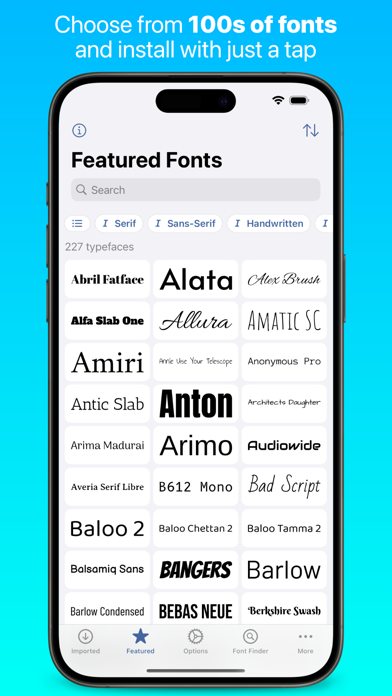
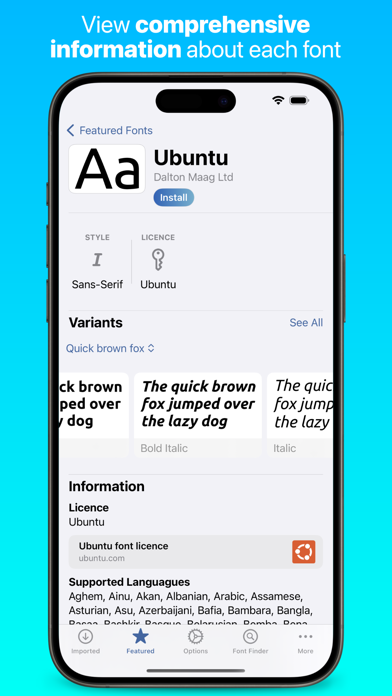
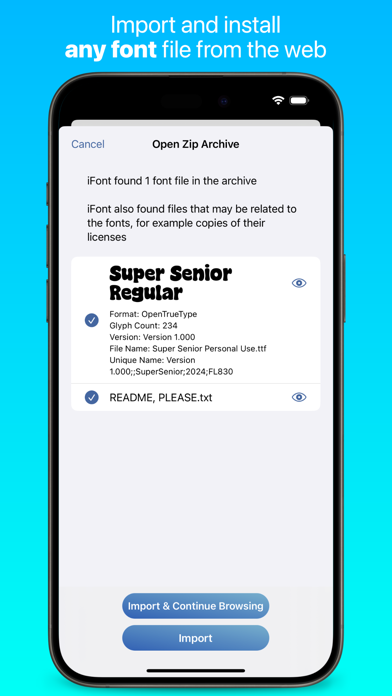
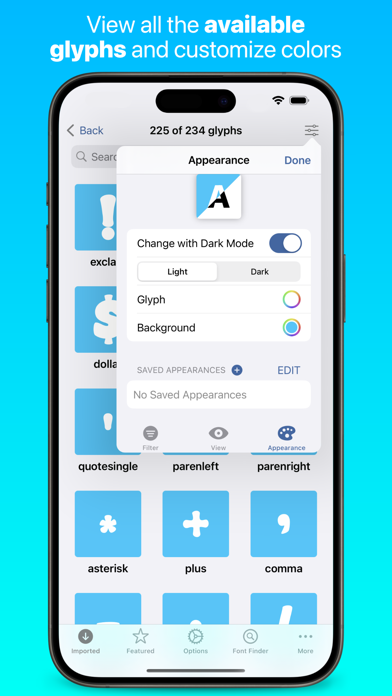
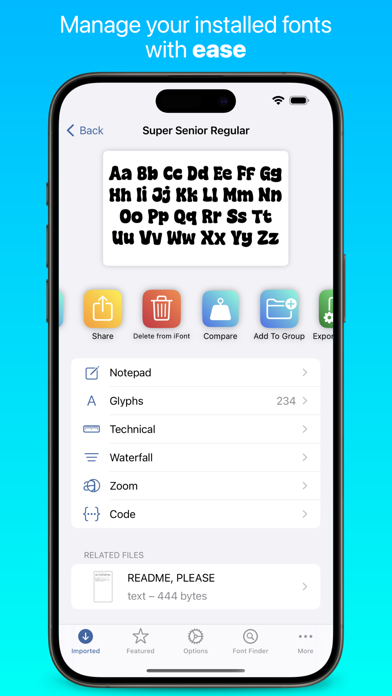
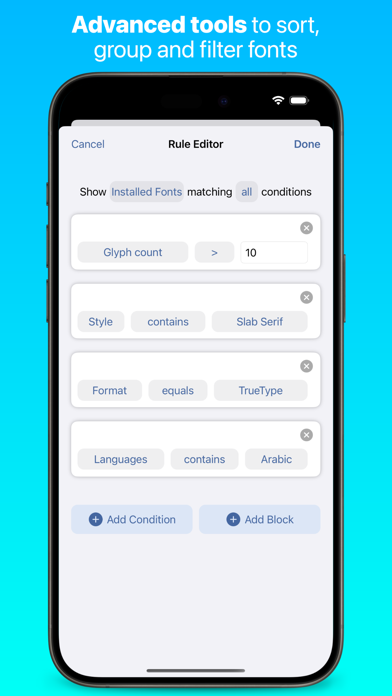
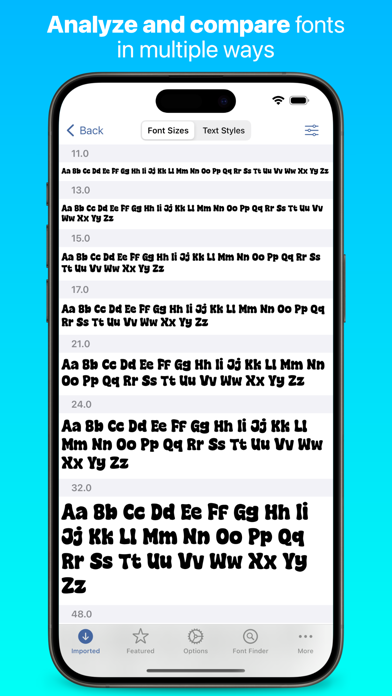
What can iFont do? iFont lets you install new fonts for use in apps which support creating content using custom fonts, such as Pages, Keynote or Numbers. What can't iFont do? iFont can't change the system font; work with the keyboard; or force apps to let you customise the font. iFont also can't make Comic Sans look good. *** “Without iFont, writing my new book, ‘Ten Seconds To Consider’, would be an impossible task, given that I'm designing as I write. For my Pages documents to be consistent between macOS and iOS now is a game changer. Thank you for iFont!” — Daniel Klein, former Apple employee *** iFont includes a wide range of features which let you install, compare, and view typefaces, including individual glyphs and technical details. These include: CUSTOM FONTS Install your own fonts (.ttf, .ttc, .otf formats supported, as well as these formats compressed in a .zip) for use in other apps. Simply download a font in a web browser, open in iFont and follow the simple instructions to install it on your device. You can also export a copy of the font, or send the profile to a friend to let them install it, too. iFont can also open archives containing multiple fonts. FONT DOWNLOADS iFont lets you download and install a range of fonts from the Google Fonts library, Dafont and more (including custom sources) within the app. It couldn’t be easier to find a suitable typeface for your next leaflet, poster or financial report. *** After discovering iFont a couple of years ago it has slotted happily into my professional workflow on the iPad Pro. It has a number of standout features which set it apart from the competition, and has been a great help in my client project work. There’s also an appreciation of type heritage and design, with biographical information and rich technical detail on hand. Choosing the right type is made easier with the Notepad and Compare features. The ability to install multiple fonts at once is essential, saving time and allowing better management of your font library. Imported fonts are viewed as families allowing you to easily compare different weights and make the right choices. There’s also easy access to online type resources such as Google Fonts, which makes finding and installing them a breeze. Great if you’re in a hurry, or have no access to your own font library. — Martin Cleave, creative professional *** COMPARE Compare many different typefaces to see which will suit your intended use. Arial or Helvetica? Zapfino, Snell Roundhand or Savoye LET? Georgia, Iowan Old Style or Times New Roman? With Compare, you can be the judge! NOTEPAD The Notepad you find under each font lets you test it out and type a message, and then export it as an image to send in apps such as Messages. Add some character to your texts by using a font which stands out from the crowd! WATERFALL See how a font looks at very small or very large point sizes easily using the Waterfall view. This lets you judge which size would be suitable for your use. ZOOM Zoom into a font up to 500%, allowing you to see the minute details in each character. TECHNICAL DETAILS See information about each font, from the designer and trademark information to the spacing of the ascents and descents. *** “Missing fonts on iOS is an issue of the past, thanks to apps like iFont… I hope you saw how easy it is to install fonts on iPhone or iPad and I suggest you give iFont a try.” — Michael Kummer, blogger *** NOTE: iFont does not currently support .suit or .dfont files. iFont is also fully optimised for iPad with a beautiful split view experience and a range of keyboard shortcuts. Terms of Service: https://www.apple.com/legal/internet-services/itunes/dev/stdeula/ Privacy Policy: https://bit.ly/ifont_pp
새로운 소식
Performance Improvements
상세 정보
- 개발사
- VINCI APPS
- 주 카테고리
- Utilities
- 현재 버전
- 11.8.2
- 버전 출시일
- 2026-05-14
- 최초 출시일
- 2016-11-07
- 용량
- 126 MB
- 연령 등급
- 4+
- 가격
- 무료
- 언어
- EN
- 번들 ID
- uk.co.codingcorner.iFont
- 현재 버전 평점
- ★ 4.59 (12,765)
- 첫 수집
- 2026-05-28
메타데이터 갱신 2026-07-19
순위 히스토리
무료 기준 · 최대 90일 · 상위 5개 카테고리 표시 (Y축: 순위, 낮을수록 상위)
순위 히스토리 데이터가 없습니다
무료 순위
순위 없음
유료 순위
순위 없음
유저 리뷰
제가 아*폰이거등여 근데 않돼요 그냥 다 나만 이런건가
당황스럽네요 빨리 환불해주세요
이 앱 쓰면서 44000원 잘못 결재한 분들이 많더라구요 일단 그거 3일 무료도 아니고 그냥 쌩돈 날리는 거니까 절대로 하지 마시구요 왼쪽 위에 x버튼 있습니다 그거 눌러가 결재창 나가면 무료로 쓸수 있어요
실수로 구독했는데 바로취소했어오. 환불처리 부탁드려요
몇일 무료체험이라길래 구독했다가 30분도 안되서 바로 취소를했는데 일주일뒤에 44000원 결제되고 환불도 안해줍니다 진짜 어이없네요; 그냥 설치하지마세요
닥치고 꺼지거라
3일 무료체험이라고 해서 눌렀는데 왜 44,000원 결제가 되는 건가요 환불해주세요
Please add Korean to the description. It would be very helpful for Korean speakers.
3일은 무료로 쓸 수 있다고 해서 설치 했는데 왜 바로 44000원 결제가 되는거야?? 환불 부탁드립니다
다운로드 하래서 했더니 설정에 뜨지도 않고 개빡침 ㅗ
변동(신규 진입·급상승) 감지된 앱에 한해 Apple RSS 최신 리뷰를 수집합니다.