

iAnnotate 4 — PDFs & more
🇯🇵 JP 현지화스크린샷
설명
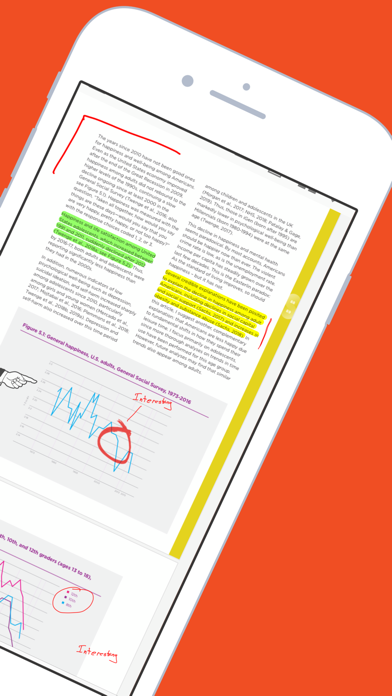
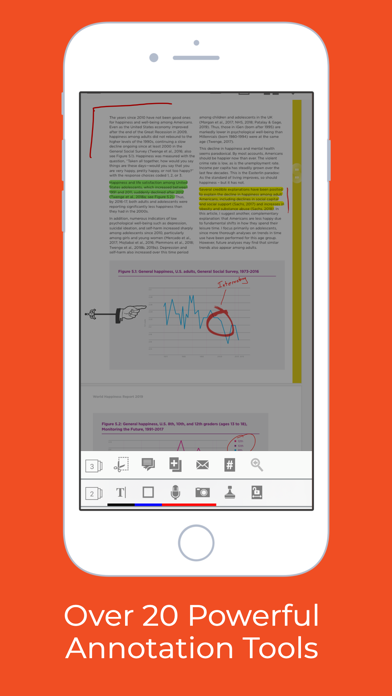
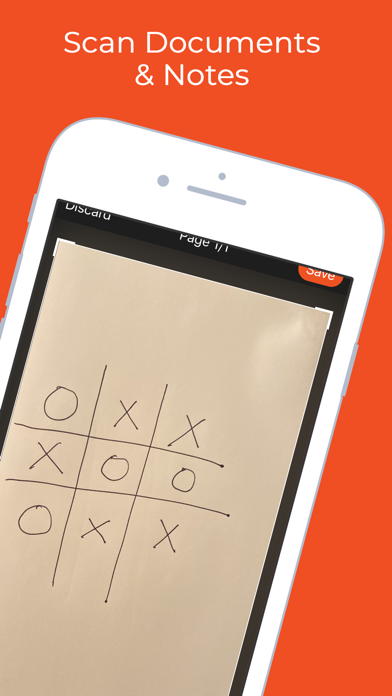
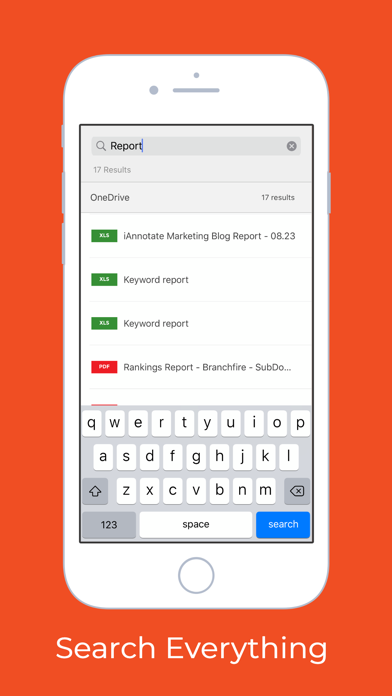
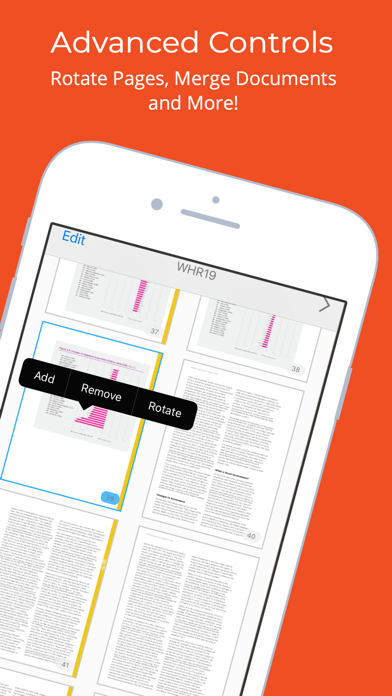
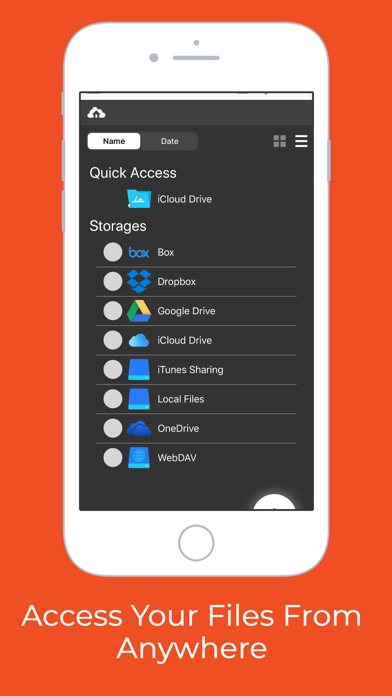
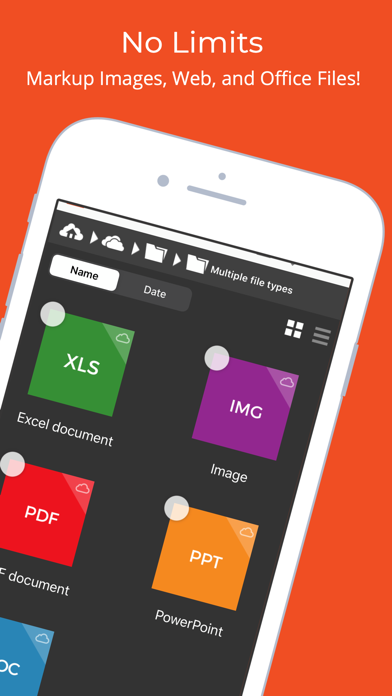
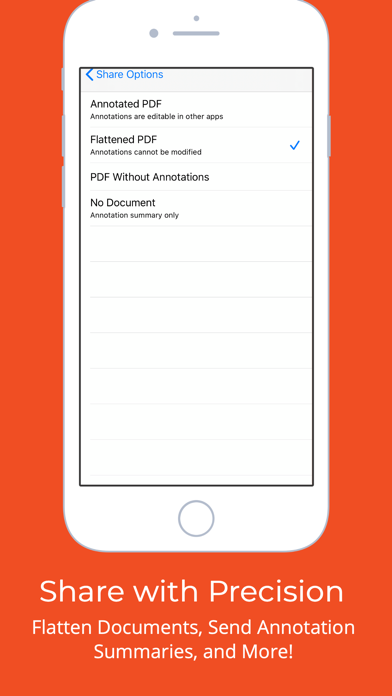
iAnnotate by Folia is the best way to read, annotate, and share PDFs, Microsoft Office files, images and web pages! Over 1 million people turn to iAnnotate to take notes, sign agreements, highlight documents, insert stamps and more. New in v4: iPhone support, iPad Pro and multitasking support, automatic Apple Pencil detection, shape annotations, improved web markup, enhanced support for OneDrive (and OneDrive for Business), iCloud Drive, and iCloud backup. iAnnotate’s award-winning interface and customizable set of features make it the go-to app for taking notes on lecture slides, annotating important business documents, revising screenplays, grading papers, and much more. Read on to learn about the great capabilities of iAnnotate: IPHONE: Now you can use iAnnotate on your phone, with all of the great features you’ve come to expect on your iPad. IPAD PRO: iAnnotate works great with the iPad Pro. Automatically annotate when you use the Apple Pencil and easily pan, zoom, scroll with your fingers — no tool switching required. Get more work done with iOS multitasking and smart keyboard shortcuts. ANNOTATE: Choose from the pen, highlighter, typewriter, stamp, straight-line, note, underline, strikeout, photo, voice recording, arrow, rectangle, circle, and date stamp tools. CUSTOMIZE: Drag and drop tools to your custom toolbars. Swipe between toolbars, or open the Toolbox to access all your tools. ACCESS: Connect with Box, Dropbox, Google Drive, OneDrive (including OneDrive for Business) or open PDFs directly from email and other apps. SEARCH: Search documents in your local library and throughout your cloud storage. SHARE: iAnnotate saves your markups directly to the PDF, so they can be viewed and edited in external PDF readers. FLATTEN: Compress your annotations onto the document to prevent modification. This is useful for preserving signatures or for preventing recipients from deleting or changing your annotations. WEB MARKUP: Open a web capture tab and find the site you want to mark up. iAnnotate will convert it to a PDF for annotation. NAVIGATE: Explore your documents by thumbnails, bookmarks, annotations, or search results. UNLIMITED TABS: Open multiple documents in tabs, and easily navigate between them, on both tablet and phone. TWO DOCUMENTS: Work on two documents side-by-side, for even greater productivity. MANAGE: Arrange documents by folders and sort contents by date added, date last opened, or alphabetical order. CREATE: Create brand new PDFs with blank, lined, or graph-paper pages. MODIFY: Add, delete, rotate, and rearrange pages in your documents. SUMMARIZE: Forward a summary of your annotations as an email or a new PDF. SECURE: Full support for the iOS Data Protection and Keychain functions. Interested in using iAnnotate in your business or school? Visit us at www.folia.com to find out about our enterprise options.
새로운 소식
This release includes a major update built with the latest tools for improved performance and reliability. Built with Xcode 26 for enhanced stability and compatibility Fixed an issue affecting the rendering of certain PDFs Resolved a bug related to autosave to ensure your work is preserved
상세 정보
- 개발사
- Branchfire, Inc.
- 주 카테고리
- Productivity
- 현재 버전
- 4.10.6
- 버전 출시일
- 2026-04-14
- 최초 출시일
- 2016-05-03
- 용량
- 82 MB
- 연령 등급
- 4+
- 가격
- USD 9.99
- 언어
- EN
- 번들 ID
- com.branchfire.ia4
- 현재 버전 평점
- ★ 4.73 (8,870)
- 첫 수집
- 2026-06-20
메타데이터 갱신 2026-07-18
순위 히스토리
무료 기준 · 최대 90일 · 상위 5개 카테고리 표시 (Y축: 순위, 낮을수록 상위)
순위 히스토리 데이터가 없습니다
무료 순위
순위 없음
유료 순위
순위 없음
유저 리뷰
I really wanted to like this app because the workflow is actually great when it works. Highlighting feels smooth and it’s easy to stay in a rhythm when prepping large documents. But I’ve now run into the same issue multiple times and it’s a dealbreaker. Everything looks consistent while I’m working in the app, but when I export to PDF, the highlight colors change in intensity. Some sections come out darker or lighter even though I used the exact same color. It ends up looking inconsistent and unprofessional, and there’s no way to catch it until after export. On top of that, the app crashes when working on larger files, which makes the whole thing even more unreliable. I use this for professional work where consistency matters, and I can’t risk something like this happening again. I didn’t have this issue with other apps, so it’s really disappointing. If this gets fixed, I’d absolutely consider coming back to it. But right now, I can’t trust it
Your app refuses to convert Docs from Canvas. It just sits and refuses to accept the file. It will convert them from Google Drive, but I should not have to download papers into another app just so that your software will finally do its job. I have reported the conversion bug problems for .docx files before, and your team gave a less than useful answer. Please actually fix the issue this time. I have used your app to grade for over a decade now, and I would rather use it than Speedgrader or other tools, but this problem cannot persist. If it does, I’ll have to go elsewhere. My students deserve better than consistently buggy software.
It crashes all the time since the update. ipadOS 26.1. Every time I reopen the app, all tabs are gone. I will try reinstalling a fresh copy. I have been a happy user for 15 years. A reinstall was ineffective.
I've used iAnnotate for my business proofreading for court reporters for over 10 years. From the ability to custom create stamps for mark-up to ease of use to fast, responsive support, this app is perfect in every way. Love it, love it, love it.
I’ve tried every PDF app out there and I keep coming back to iAnnotate for grading papers. It is by far the best and most flexible app. The iPad is a perfect tool for providing feedback on student writing and iAnnotate is the best app for the job.
I’ve been using this app for years. It really does everything I need it to do. Great annotation. Easy to navigate. Worth the purchase.
I use this almost EVERY day for my clinic, and my post-graduate work.. Google drive no longer syncing!! Please fix this issue!! Will remove review once fixed! Please help!! It’s been several months with no response or support.
I have been using this software for years across multiple devices, with all sorts of documents. When I need to get work done, form submitted, notes taken, the software does it. And, it does it with ease!
I’ve used iA for several years. I like that there are separate toolbars you can toggle between. (I use different toolbars for different projects. ie: Paperwork includes text boxes, stamps for signatures, highlighters & basic pens. Notating Books includes different highlighters & pens, eraser and images, and bookmarks. File organizing includes +/- pages, bookmarks, images, etc.). There are some annoying quirks that I can overlook, evident as I have still selected 5 stars.
I’ve been using this as a professor for years, and it has gotten me through two books and countless articles. When I’ve had tech troubles, I’ve always gotten quick responses. I appreciate that they haven’t complicated it endlessly in the name of small improvements. One of the best purchases I’ve made.
변동(신규 진입·급상승) 감지된 앱에 한해 Apple RSS 최신 리뷰를 수집합니다.