

Microsoft SharePoint
🇯🇵 JP 현지화스크린샷

설명
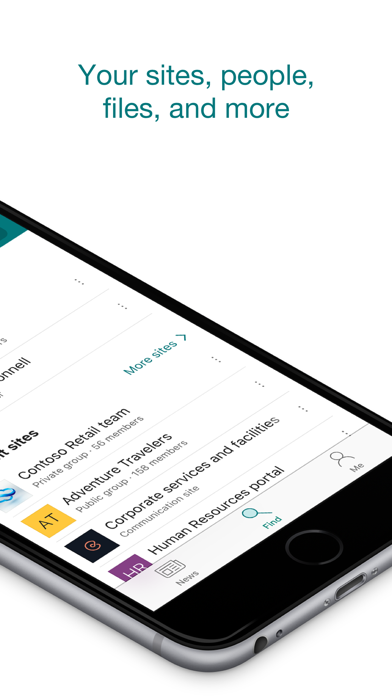
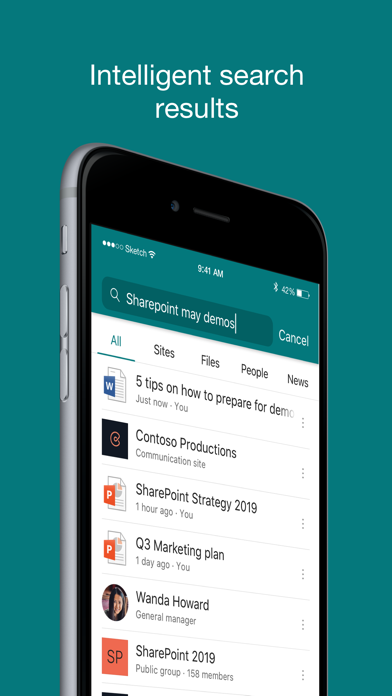
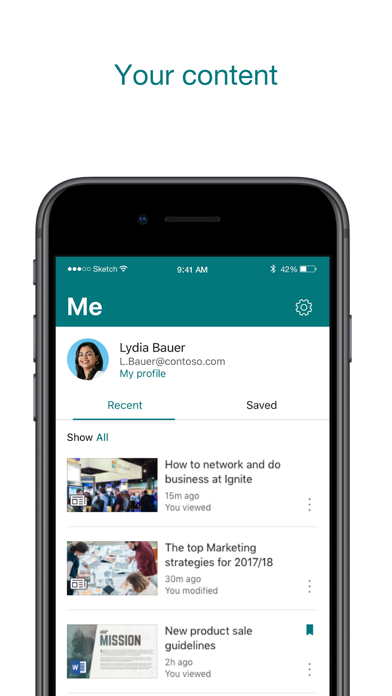
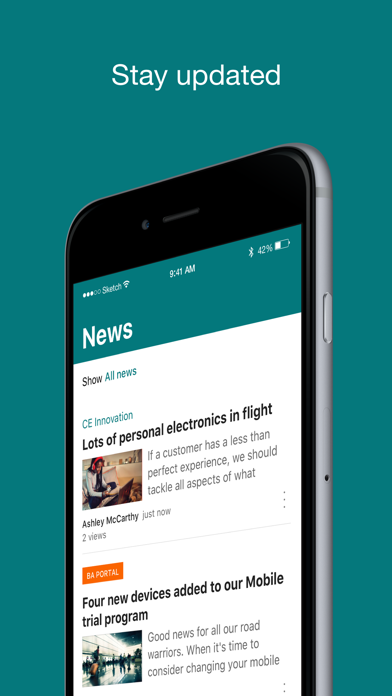
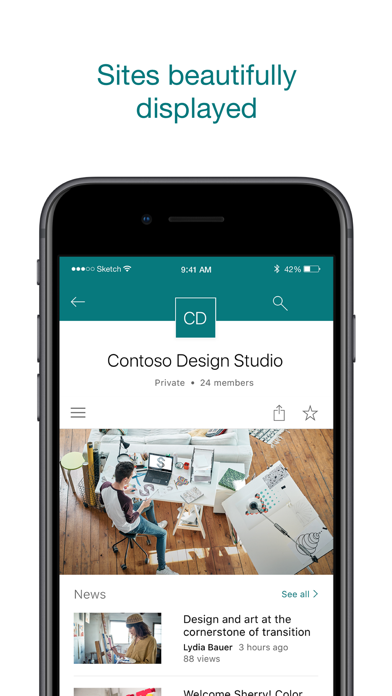
ファイル、ニュース、サイト、ユーザーを検索します。自分および組織向けにカスタマイズされています。SharePoint では AI の機能がモバイル アプリの操作に組み込まれており、外出先でも集中して生産的に作業できます。AI は作業内容、作業方法、同僚がどのように自分に関わっているかについての知識を蓄積していきます。専門知識、コンテンツ、リソースが外出先で必要な場合は、SharePoint ですばやく検索を開始できます。 · サイト、ファイル、ユーザーなどを参照して、作業していた場所に戻ります · 検索を使用して、重要なコンテンツを検索したり発見したりします · カスタマイズされたチーム サイト、コミュニケーション サイト、ニュース投稿のビューにアクセスします · ユーザーをタップすると、そのユーザーの連絡先カードにアクセスでき、そのユーザーが共同作業しているユーザーや作業している内容を表示できます · 外出先でニュースの投稿を作成し、更新情報、レポート、状態、経験をチームと共有できます · クラウドでもオンプレミスでも、SharePoint サイトにサインインできます。アプリは SharePoint Online および SharePoint Server バージョン 2013 以降で動作します · 複数のアカウントを追加し、簡単に切り替えることができます 人々の感想: The SharePoint モバイル アプリは、TechCrunch、The Verge、ZDNet、PCWorld、Computerworld で特集されました。 2 年にわたるアプリ ストアのレビュー: "共同作業がかつてないほど簡単になりました!!""" "オフィスのドキュメントや同僚とつながっていることができます" "他の Office アプリとのシームレスな統合" "簡単で使いやすいです!!" 注: SharePoint にサインインするには、お客様の組織が SharePoint Online またはオンプレミスの SharePoint Server を含む Office 365 サブスクリプションを保有している必要があります。 このアプリは Microsoft が提供します。このストアまたはこのアプリを通じて提供されるデータは、Microsoft がアクセスでき、Microsoft およびその関連会社が施設を維持する米国またはその他の国に転送、保存、処理される可能性があります。
새로운 소식
安定性に関する小規模な改善と修正。
상세 정보
- 개발사
- Microsoft Corporation
- 주 카테고리
- Productivity
- 현재 버전
- 5.0.2
- 버전 출시일
- 2026-06-15
- 최초 출시일
- 2016-06-20
- 용량
- 84 MB
- 연령 등급
- 4+
- 가격
- 무료
- 언어
- AR, CA, HR, CS, DA, NL 외 25
- 번들 ID
- com.microsoft.sharepoint
- 현재 버전 평점
- ★ 4.62 (138,339)
- 첫 수집
- 2026-05-28
메타데이터 갱신 2026-07-18
순위 히스토리
무료 기준 · 최대 90일 · 상위 5개 카테고리 표시 (Y축: 순위, 낮을수록 상위)
무료 순위
순위 없음
유료 순위
순위 없음
이 개발사의 다른 앱

Microsoft Outlook
Productivity · ★ 4.8 (9,075,553)

Microsoft Teams
Business · ★ 4.8 (3,366,098)

Microsoft Word
Productivity · ★ 4.7 (2,910,141)

XBOX
Entertainment · ★ 4.7 (1,721,321)

Microsoft Excel
Productivity · ★ 4.8 (1,425,818)

Microsoft 365 Copilot
Productivity · ★ 4.7 (1,293,281)

Microsoft OneNote
Productivity · ★ 4.7 (1,052,781)

Intune Company Portal
Business · ★ 4.7 (703,430)
유저 리뷰
Can’t add a document to a folder on the SharePoint app
This app is unusable from start to finish. How many times do I have to log in within the app? Everything I touch asks me to login again. I cannot open simple pages due to “Something went wrong”. Pages that only include texts and links…I am Admin and know this cannot be a permission issue. Site logos do not render. Takes a lot of effort to setup branding on desktop, with little of the effort available on mobile.
How a company as affluent as Microsoft can ship a user interface this embarrassing is beyond me. Truly one of the most outstandingly awful pieces of software that is this widely used.
Everything about SharePoint and OneDrive and the way they are intertwined is trash. Garbage app, garbage ai system that goes with it, garbage synchronization, all garbage. Please fix this overly convoluted trash suite of products.
we use this as our office server and absolutely love it. It’s easy to use updates in real time and we’ve been very happy with it for our small business.
Current build of the app is non-functional.
モバイルで使うと機能が少なくなりそう、ファイルの元フォルダを開かない
Was told to download the sharepoint app. It is unhelpful and nothing like the sharepoint website they told us to use. None of the links on the website are showing up in the app.
以前使用していたOneDriveアプリが使えなくなり仕方なくこちらを使用しています。SharePointアプリはデータアップロード時の反応が悪く、現場では使用できるレベルではないと感じています。
It’s just not user friendly. I use it on iPad and iPhone and it is a constant struggle to find links, open links, save files for offline work.
Please just kill this abomination. Where is anything in SharePoint? No one knows. It’s where data goes to get lost.
That’s why I logged on. Stop barraging me with pop-ups
변동(신규 진입·급상승) 감지된 앱에 한해 Apple RSS 최신 리뷰를 수집합니다.