
스크린샷
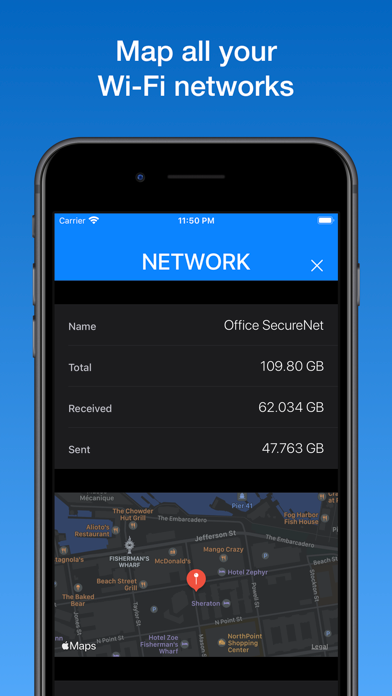
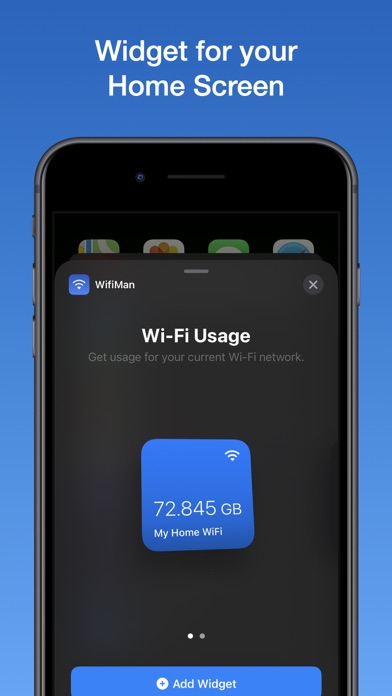
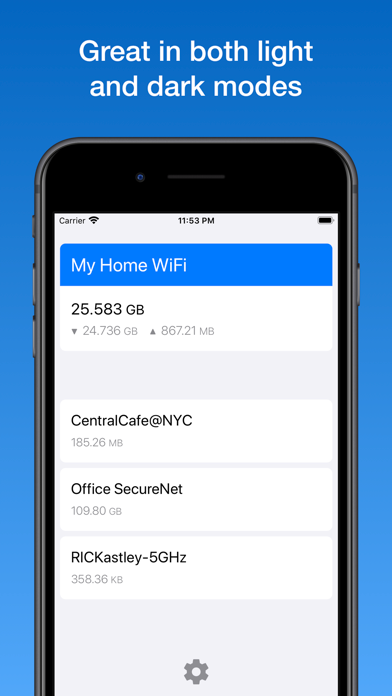
설명
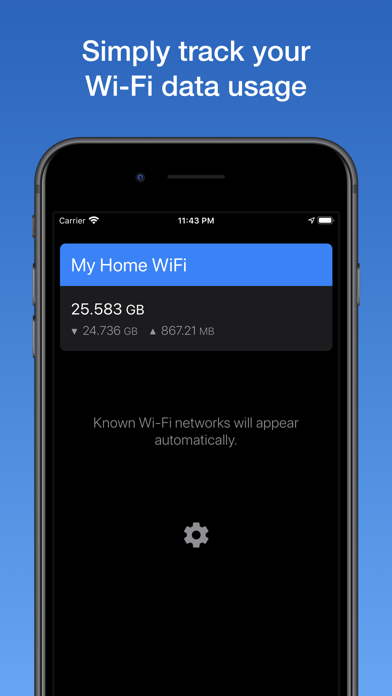
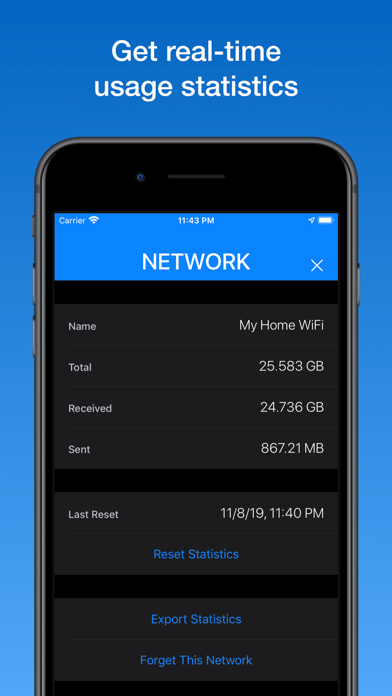
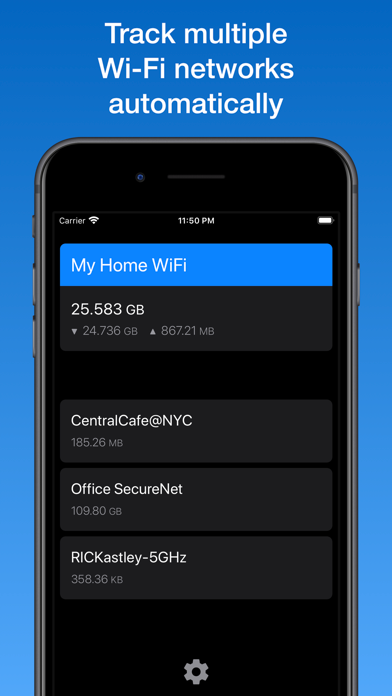
WifiManは自動的にSSIDごとのWi-Fiデータ通信量を記録し、すべてのWi-Fiネットワーク通信量統計がリアルタイムにそして簡単に手に入ります。 特徴: ・ iPhone / iPadのWi-Fi通信量を監視 ・ 自動的に複数のWi-Fiネットワークを記録 ・ リアルタイムの通信量統計 ・ SSIDごとの通信量を表示 ・ ウィジェットをホーム画面に ・ Wi-Fiネットワークをマップします ・ ネットワーク通信量統計のエクスポート ・ セキュリティ - VPN やログイン不要 ・ プライバシー - 個人情報でのマネタイズなし # DataManの開発者によって細心の注意を払って作られています https://xvision.me/dataman
새로운 소식
Ready for iOS 17 Extraordinary ^_^
상세 정보
- 개발사
- Johnny Ixe
- 주 카테고리
- Finance
- 현재 버전
- 17.2
- 버전 출시일
- 2023-12-23
- 최초 출시일
- 2015-11-09
- 용량
- 1 MB
- 연령 등급
- 4+
- 가격
- USD 5.99
- 언어
- EN, JA, ZH
- 번들 ID
- com.xvision.WifiMan9
- 현재 버전 평점
- ★ 3.96 (71)
- 첫 수집
- 2026-05-28
메타데이터 갱신 2026-07-19
순위 히스토리
무료 기준 · 최대 90일 · 상위 5개 카테고리 표시 (Y축: 순위, 낮을수록 상위)
순위 히스토리 데이터가 없습니다
무료 순위
순위 없음
유료 순위
경쟁 벤치마크 — Finance Top 10
이 앱을 이기려면 무엇이 필요한가 — 같은 카테고리 상위권과의 비교입니다. 주황색 행이 현재 앱입니다.
| # | 앱 | 가격 | 평점 | 리뷰 수 | 언어 | 최근 업데이트 |
|---|---|---|---|---|---|---|
| 1 | Military Money: Pay & Pension | USD 3.99 | ★ 4.80 | 5,890 | 1 | 2026-04-13 |
| 2 | Military Retirement | USD 5.99 | ★ 4.85 | 13,399 | 1 | 2026-04-26 |
| 3 | US Debt Clock .org | USD 4.99 | ★ 4.58 | 585 | 1 | 2020-12-14 |
| 4 | Accounts 3 Checkbook | USD 4.99 | ★ 4.55 | 3,005 | 6 | 2025-02-06 |
| 5 | 10bii Financial Calculator | USD 7.99 | ★ 4.73 | 663 | 1 | 2026-04-23 |
| 6 | FERS+CSRS Retirement Estimator | USD 9.99 | ★ 4.68 | 1,412 | 1 | 2021-05-01 |
| 7 | HP 12c Financial Calculator | USD 14.99 | ★ 4.27 | 322 | 1 | 2026-02-03 |
| 8 | BA Financial Calculator (PRO) | USD 3.99 | ★ 4.85 | 456 | 1 | 2025-09-25 |
| 9 | Money Manager (Remove Ads) | USD 5.99 | ★ 4.84 | 2,830 | 19 | 2026-07-09 |
| 10 | My Currency Converter Pro | USD 3.99 | ★ 4.87 | 2,711 | 3 | 2026-06-25 |
| 65 | WifiMan from DataMan | USD 5.99 | ★ 3.96 | 71 | 3 | 2023-12-23 |
이 개발사의 다른 앱

유저 리뷰
Do not buy!!! Paid $6 and does literally nothing it says!
Its tracks each network you connect too and saves its data or you can clear your data usage and start over you can also track on a map where the WiFi is at. I’ve been using for years now never had a problem.
毎月毎に積算できていないので月末にリセットが必要なのが面倒ですが、利用価値は⭐️5。
評価します
You guys took a way the widget. I have to check in the app every time.
First thing first, this is THE ONLY IOS APP that considers that one might want to monitor a specific Wi-Fi SSID’s consumption, which is a huge plus because ALL other monitors, paid or not, will just mishmash all Wi-Fi data. Why 4 stars and not 5, this app relies SOLELY on location services to determine what SSID you are using,(for some odd reason), you HAVE to have it enabled, no way to have a widget constantly monitoring a specific Wi-Fi SSID, if I’m connected to it or not, my home Wi-Fi for instance, I don’t care much to know about it’s consumption, my mobile LTE router on the other which serves my phone through Wi-Fi, is critical and neither it nor my ISP have iOS 14 style widgets to monitor my usage. That said, I like the app and using it
Stopped logging traffic after 2 days of purchase
Shows how much data my phone is sending to the shown network. I would like to see it updated in the foreground but otherwise works well.
Good app
Opens to a blank page with an icon leading you to settings that offered nothing to do with the description of this app. I’m requesting a refund. No wonder there’s no trial period. You knew no one will pay for this after trying it.
通信速度も確認できたらいい。
This has taught me how much data I really use. This app is perfect if you rent wi-fi data by the Gigabyte to know how much your device is using. Mobile gaming on your device can cause you an impressive data bill for mobile data if you purchase by the Gigabyte. This will keep track of how much data you use on the Wi-Fi networks each month that you connect it to. From kilobytes to gigabytes this app tracks all data traffic to show how much data your device uses. My total traffic on my home Wi-Fi was more than 6x more than my mobile data allowance cap for high speed data. I hadn't had an idea that I went through that much data at home. Keep up the great work. This app is great for tracking which device is the offender for those with limited Wi-Fi to figure out who is using more than their share of the family Wi-Fi data. I recommend this to anyone who has a hotspot that they use for internet and wants to track their data without having to have a cellular data tracker for an iPod touch or deactivated iPhone or iPad without a mobile data service antenna in it.
변동(신규 진입·급상승) 감지된 앱에 한해 Apple RSS 최신 리뷰를 수집합니다.