

1Writer - Markdown Text Editor
🇯🇵 JP 현지화스크린샷
설명
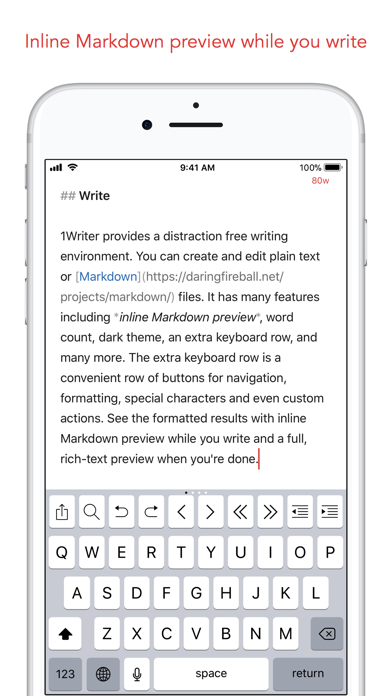
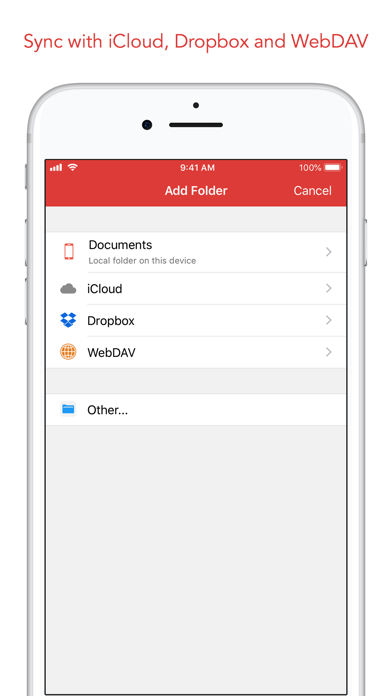
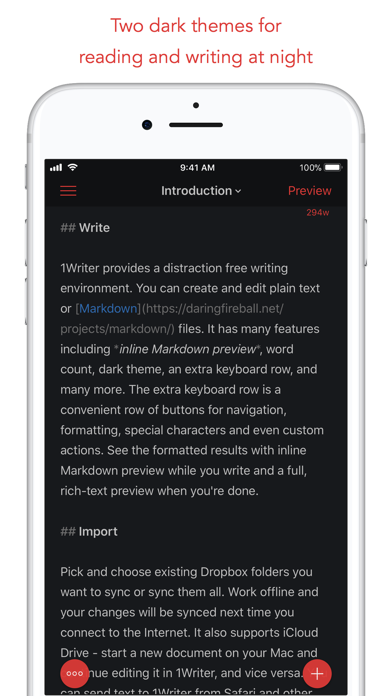
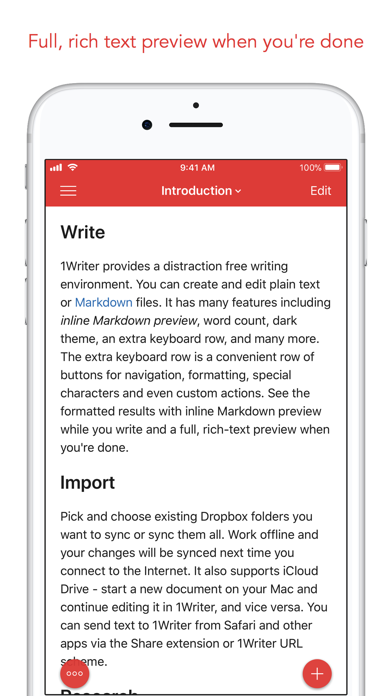
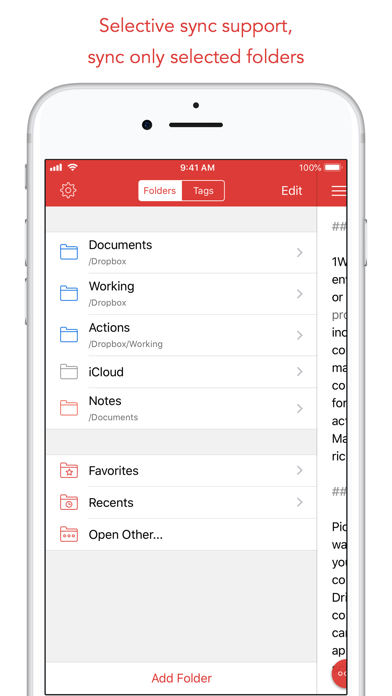
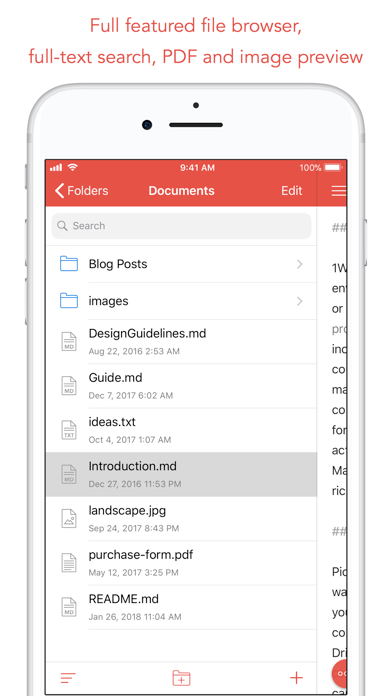
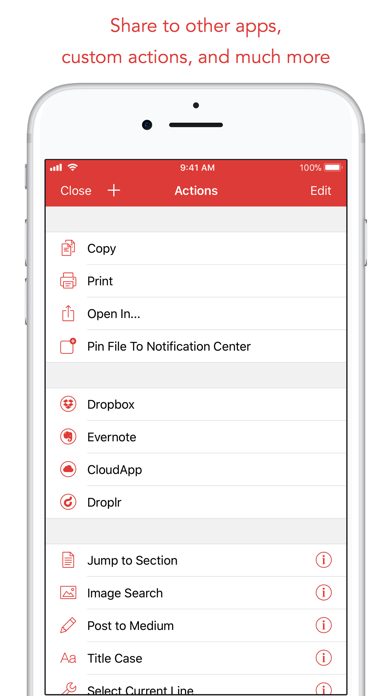
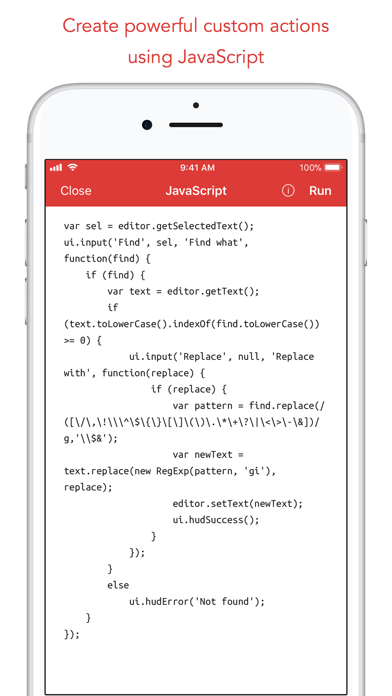
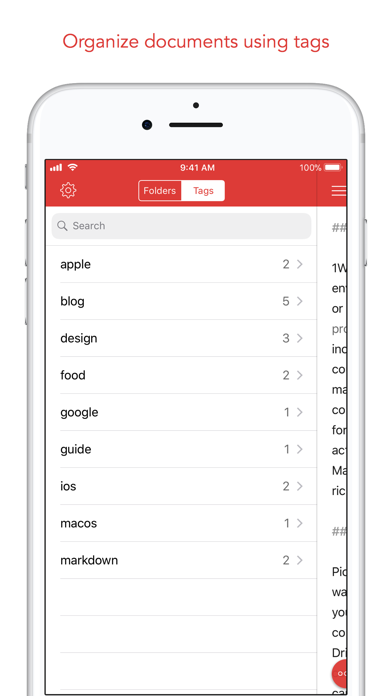
1Writer combines all the basic text editing features you would expect with all the advanced features you will ever need. Use 1Writer to write, research, revise, and share your ideas with maximum efficiency. - - - - - - - - - - "The only Dropbox- and Markdown-enabled text editor for iPhone that’s clicked with me has been 1Writer. It’s simple, looks great, and gets the job done." - TheSweetSetup.com "Really great app, really recommend it." - Federico Viticci, MacStories.net "The app interface is beautiful and distraction-free, with loads of other awesome features lurking beneath its simple exterior. It's now my go-to iPhone text editor." - Chris Gonzales, ToolsandToys.net "For users that want a great visual experience paired with great support for custom actions and third party apps, 1Writer is an excellent choice." - iMore.com "1Writer is the most powerful text editor available for iPhone." - Phillip Gruneich - - - - - - - - - - CREATE - Write :: generate and edit plain text or Markdown files. - Preview :: see the formatted results with Markdown syntax highlighting while you write and a full, rich-text preview when you're done. - Extended keyboard :: a convenient row of buttons for navigation, formatting, special characters (customizable--pick the characters you use the most). - Insert photo :: pick a photo or take a new one, and 1Writer will upload it to Dropbox and generate the Markdown-syntax to add it to your document--all in a single action! - Snippets :: TextExpander Touch support. - Custom URL actions :: insert a document template, encode a selection and replace the original text, look up synonyms and much more. - JavaScript :: create even more powerful custom actions using JavaScript—text manipulation, perform a find & replace, interact with the clipboard—the possibilities are endless. IMPORT - Sync with iCloud, Dropbox and WebDAV. - Share extension :: send text to 1Writer from other apps. In Safari, the extension uses the current URL, page title and selected text to create a new document. - Create, append, prepend, or replace text directly from other apps using the 1Writer URL scheme. EXPORT - CloudApp and Dropbox :: generate a link to share your document in plain text or PDF. - Evernote :: pick your notebook, add tags and turn a text selection or the entire document into a new, rich-text note. - Copy HTML :: put the formatted text for your document directly on the clipboard. - Custom actions :: open a web search, tweet a selection, save a series of items in a list and much more. PERSONALIZE - Support Dark Mode on iOS 13. - 2 dark themes for more comfortable reading and writing at night. - Choose from 20 different fonts. - Bookmark and sync the Dropbox/WebDAV folders you want to have quick access to the sub-folders and documents you need. - Use a passcode or Touch ID/Face ID to protect the app from unauthorized users. RESEARCH - In-app web browser :: research, look up information without having to leave the app. - Bookmarks :: create and access your favorite websites. - Save the current text selection to the clipboard in Markdown syntax. - 1Password support :: login to all your accounts using the 1Password extension. EVEN MORE GREAT FEATURES - Drag and drop. - Open in Place. - Multiple windows on iOS 13. - MultiMarkdown. - Search documents from Spotlight. - Find & replace within document. - Photo and PDF preview. - Today widget :: access your recent documents from the Notification Center or create a new document in one tap. - Checklist support :: create a list of things to do or topics to research, and easily check them off. - Full-text search and hashtag support :: search within a folder to find the document you need, and view related documents that have the same tag.
새로운 소식
Bug fixes.
상세 정보
- 개발사
- Ngoc Luu
- 주 카테고리
- Productivity
- 현재 버전
- 3.3.8
- 버전 출시일
- 2025-09-24
- 최초 출시일
- 2013-08-14
- 용량
- 19 MB
- 연령 등급
- 17+
- 가격
- USD 4.99
- 언어
- EN, DE, JA, ZH, ZH
- 번들 ID
- com.ngocluu.onewriter
- 현재 버전 평점
- ★ 4.64 (388)
- 첫 수집
- 2026-05-28
메타데이터 갱신 2026-07-19
순위 히스토리
무료 기준 · 최대 90일 · 상위 5개 카테고리 표시 (Y축: 순위, 낮을수록 상위)
순위 히스토리 데이터가 없습니다
무료 순위
순위 없음
유료 순위
순위 없음
이 개발사의 다른 앱

유저 리뷰
Googleドライブと共有できない。
Simple, stable, and most of all, it respects the file system as my organizational system, it doesn’t want me to create a “library” or a “vault” and work within that. It just lets me edit text files on my system. I wish it were prettier and I could tweak a few visual things, but I’d much rather live with the utilitarian design that works than enjoy an aesthetic app where I can’t find anything I saved. (Looking at a certain blue and white, opinionated app from a Japanese design firm.)
A wonderful app that I can use forever.
可以找到obsidian的文件夹。不错!
iPad miniにてDropboxフォルダが開かなくなりました。フォルダの作り直しを試みたら、削除後は読込中のまま、さいせっていができません。アプリもOSも最新、端末再起動も効果なし。愛用していたので残念。
This is the smoothest and most beautiful Markdown editor I've ever seen, and its support for WebDAV is simply perfect! Does the author have any plans to continue updating it? For example, could it be adapted to the latest iOS and iPadOS 26?
文書幅すら設定出来ない バグってもっと細くなる時ある 金返せカス
I bought them all to cheer them on Please support us with updates for a long time I'll be rooting for you. Fighting! Please update me forever Plz~~👏 너무 편하고 좋다!!!
Rock solid, reliable, affordable, and still maintained without feature bloat. Strong integration with the Files app, and it respects my font preferences in Settings. Its flexible organizational features make it an excellent repository for plain text notes of all kinds, regardless of their extension or what app I produced them in.
No frills or clutter, fast, stable for years. Excellent app that does what it says.
数多の有料テキストエディタを試し続けてたどり着いた唯一のエディタです。同期速度も堅牢性も他の追随を許しません。本当に継続していって欲しい。
Upgrading to iOS 26 broke Dropbox support. I use this app every day and was devastated by the interruption to my daily workflow. Seeing that it hadn’t had any updates for roughly 3 years, I didn’t have much hope and started seeking out alternatives. iA Writer is what I landed on. While it’s an impressive app with some great features and polish, it was missing the ability to manually refresh files from Dropbox and the dark theme & font combo felt inferior. After several days of using the new app, the developer of 1Writer released an update that fixed Dropbox support in iOS 26 and restored my daily workflow. Thank you so much for the quick bug fix. It was a no-brainer to give the developer a $20 tip using the Tip Jar feature in the Settings screen.
변동(신규 진입·급상승) 감지된 앱에 한해 Apple RSS 최신 리뷰를 수집합니다.