

PUB Reader - for MS Publisher
스크린샷
설명
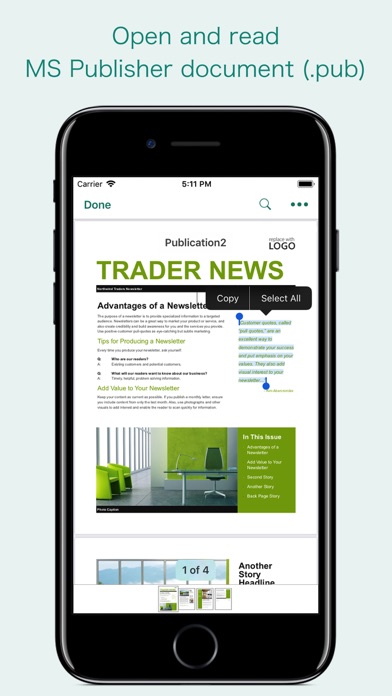
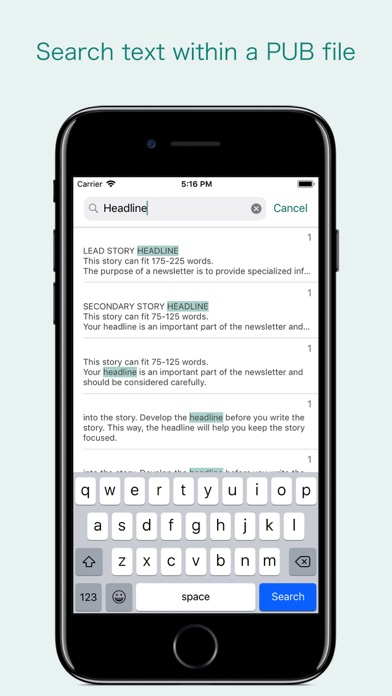
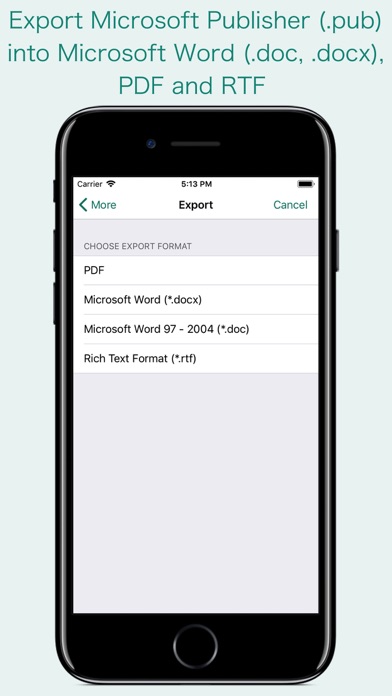
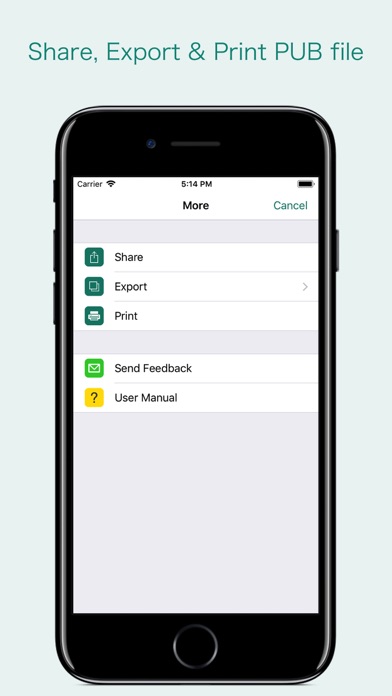
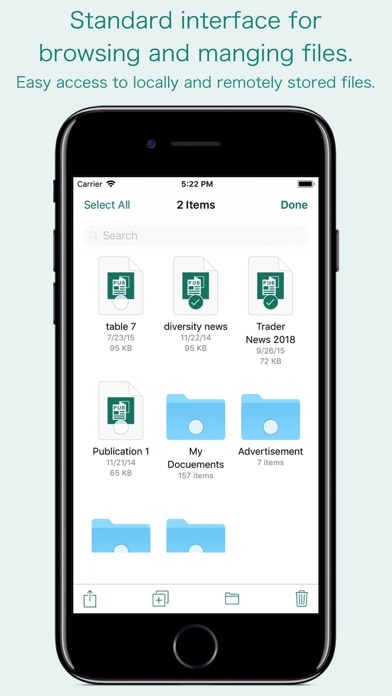
“PUB Reader” allows you to open and read Microsoft Publisher documents (PUB file) on iOS device. It offers you fantastic reading experience using document outlines, page thumbnails and text search features. In addition, “PUB Reader” allows you to export PUB file into Microsoft Word(.docx, .doc) and RTF to make it available for editing in other Word processing software. Do you receive Microsoft Publisher documents (.pub) as email attachments on you iPhone and iPad? Are you having plenty of Microsoft Publisher files that no decent viewer available to open on your iPhone and iPad? The easiest way to circumvent these problems is PUB Reader. - It converts the text, text characteristics, paragraphs, text frames linking, text frame columns, tables, graphics and other Publisher objects and properties to the matching Microsoft Word format objects and properties by preserving layout. - It also allows to convert PUB file into PDF. - Standard document interaction interface to share, send and save exported documents. READING FEATURES: - Fully selectable and searchable text contents. Select and copy text to clipboard for further use. - Pinch out and Pinch in to ZoomIn and ZoomOut view. - Navigate through topics by document outlines, if exist. - Search text feature to find a character, word or sentence any where in a document. - Scroll through your document by Page Thumbnails or Go to page feature. DOCUMENT MANAGEMENT - The inbuilt document browse view automatically gives you the option to share documents using the Share button or a drag-and-drop action. It also provides a standard interface for browsing and managing documents. - Automatically handles access to iCloud for you within the app. It also provides access to documents managed by third-party storage service extensions installed on your device. - Browse, find and sort documents to help you locate the document you want. Tap the PUB file that you want to open. - You can move, delete, duplicate and rename a document with document manager in browser view. - In the document manager, you can group related documents into folders so they’re easy to find. Note: “PUB Reader” is standalone application running natively to open and convert Microsoft Publisher documents (.pub) securely right on your iOS device. You can refer User Manual for any assistance Or Contact Support.
새로운 소식
- Bug fixes and UI improvements to streamline with latest iOS. We are thankful to all users for their valuable feedback :)
상세 정보
- 개발사
- RootRise Technologies Pvt. Ltd.
- 주 카테고리
- Productivity
- 현재 버전
- 3.0
- 버전 출시일
- 2026-01-20
- 최초 출시일
- 2018-02-11
- 용량
- 163 MB
- 연령 등급
- 4+
- 가격
- USD 14.99
- 언어
- EN
- 번들 ID
- com.RootRiseTechnologies.Pvt.Ltd.PUB-Reader
- 현재 버전 평점
- ★ 3.90 (48)
- 첫 수집
- 2026-05-28
메타데이터 갱신 2026-07-07
순위 히스토리
무료 기준 · 최대 90일 · 상위 5개 카테고리 표시 (Y축: 순위, 낮을수록 상위)
순위 히스토리 데이터가 없습니다
무료 순위
순위 없음
유료 순위
순위 없음
이 개발사의 다른 앱


유저 리뷰
Won’t open publisher files like it claims
Wouldn’t detect pub files from google drive Retrieved pub file from Dropbox, but made a jumbled mess out of it. Useless
When app opens the document, it opens it on a different background, style, with items that were not originally on. I want my money back
Will not open MS Publisher Documents. Each attempt results in an error message. Rip-off alert.
I purchased this application to review a series of old Publisher documents. After purchasing the application, I found that the documents were not accurately displayed. I sent in a sample document, with a description of the issue. They reviewed the document and made corrections to the application. The documents are now accurately displayed. Thank you for your great customer support!
Unable to edit anything. The free off brand apps do the same thing. As well as online file sharing programs. All for free. I thought for the top dollar app price I would be able to edit a document or create a new basic something. Nope. Would give ZERO stars if possible. Wish apple would step in and help their customers out to prevent this waste of time and money of an app
Not what is says, my fault I should have read the reviews! I wanted to be able to creat publisher documents from my iPad and that’s not happening! I would like to think the creator would do the right thing and refund the money but I am not holding my breath.
Changed color and page numbers. Created a whole new project. Worthless. Please refund my money.
This application is a total fraud which doesn’t worth a penny. Absolutely nothing could be worked through the application, not able to open any pub document and even worst when finally opened one almost empty document, fonts were missing. I WANT MY MONEY BACK.
App changes the layout and fonts of your files even when using standard Microsoft fonts and layouts. Also, printing did NOT work at all, but if I exported it to PDF(using GoodReader), it printed from that app (still horrible formatting and illegible font). Not pleased with an app that costs a premium price of $15! Steer clear, NOT recommended.
변동(신규 진입·급상승) 감지된 앱에 한해 Apple RSS 최신 리뷰를 수집합니다.