

스크린샷

설명
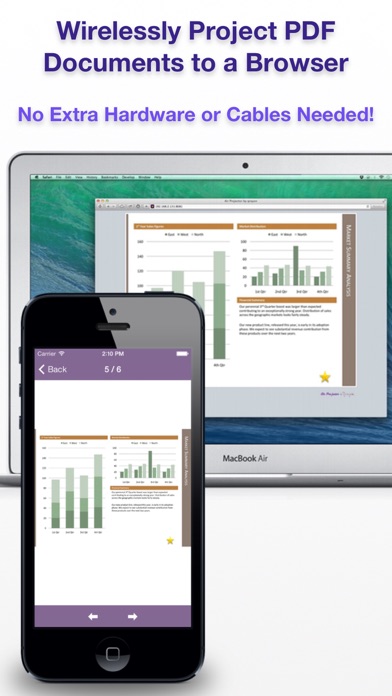
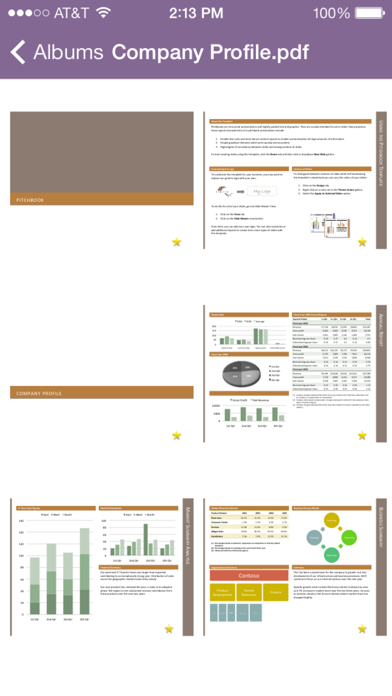
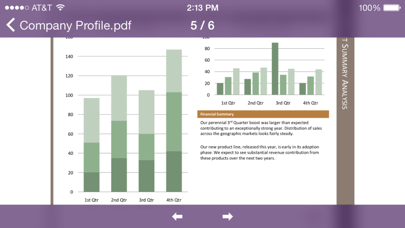
Give a presentation wirelessly from your iPhone or iPod Touch in 3 steps: STEP 1: Launch Air Projector. STEP 2: Open the displayed URL in the web browser. STEP 3: Pick a photo or PDF page and it appears remotely. WIRELESS PRESENTATIONS, FROM YOUR PHONE Air Projector projects PDF slide decks, documents, and photos wirelessly from your iPhone or iPod Touch to one or more web browsers connected on the same local network. No additional client software or special hardware is required. You don't even need a projector for small meetings: Have your colleagues open the URL on their own phones or computers. Always be ready with your key presentations in your pocket. Air Projector is perfect for: * Classrooms * Boardrooms * On-the-go presentations PROJECT PDF FILES This works great with exported PDFs from PowerPoint or Keynote. Note that animations and transitions aren't saved in PDF files. Tap and hold to show a laser pointer on the remote screen. HAVE AN iPad? If you like Air Projector, also check out Air Sketch for the iPad. Follow us on Twitter to be the first to hear about upcoming releases. Thank you for downloading Air Projector!
새로운 소식
+ Minor fixes
상세 정보
- 개발사
- Qrayon, LLC
- 주 카테고리
- Business
- 현재 버전
- 3.4
- 버전 출시일
- 2025-01-14
- 최초 출시일
- 2010-09-09
- 용량
- 6 MB
- 연령 등급
- 4+
- 가격
- USD 4.99
- 언어
- EN
- 번들 ID
- com.qrayon.airprojector
- 현재 버전 평점
- ★ 2.40 (5)
- 첫 수집
- 2026-05-28
메타데이터 갱신 2026-07-19
순위 히스토리
무료 기준 · 최대 90일 · 상위 5개 카테고리 표시 (Y축: 순위, 낮을수록 상위)
순위 히스토리 데이터가 없습니다
무료 순위
순위 없음
유료 순위
순위 없음
이 개발사의 다른 앱




유저 리뷰
구매내역 삭제해주세요ㅠㅠ
구매내역 삭제 부탁드립니다
구매목록에서삭제해주세요
아이디어가 번뜩이는 좋은 앱입니다. 추천합니다
변동(신규 진입·급상승) 감지된 앱에 한해 Apple RSS 최신 리뷰를 수집합니다.